Skip to content
IPTV FirestickFirestick IPTV setupDownloader code IPTVTiviMate FirestickIBO Player Pro Firestick

IPTV on Firestick 2026: the 10-minute setup, plus fixes

Published: Updated: 3 min read
Share:

Get your free 24-hour trial

Tell us your device and we send a ready-to-use login on WhatsApp.

  • Free for 24 hours
  • No credit card
  • Login in about 2 minutes
Prefer Telegram?

We only use these details to set up your trial.

A Fire TV Stick is the quickest way to put IPTV on a television, and the whole setup takes about ten minutes. The only step that trips people up is the first one: recent Fire TV software hides the setting you need. This guide covers that, the Downloader codes for both main players, and fixes for the problems people hit most often.
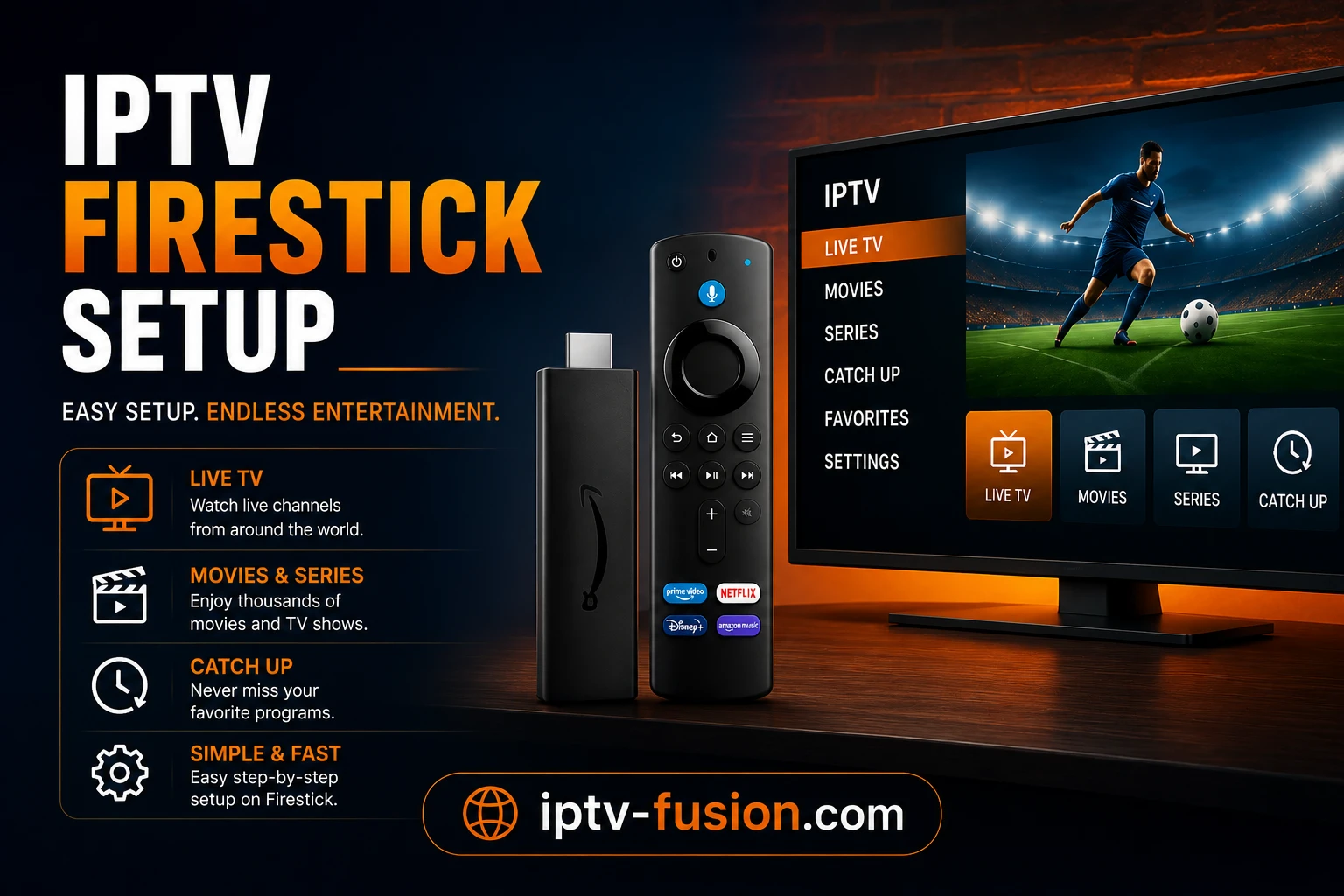
Setting up IPTV on an Amazon Fire TV Stick
From box to first channel in about ten minutes

Before you start: check which Fire TV you have

Your deviceCan you sideload?What to do
Fire TV Stick, Stick 4K, Stick 4K Max, Fire TV Cube (Fire OS)YesFollow this guide
Vega OS models, such as the Fire TV Stick 4K SelectNoUse a Fire OS stick, a Google TV device or your TV's app store

You also need your IPTV login. If you do not have one yet, IPTV Fusion sends free 24-hour trial details on WhatsApp or Telegram in about two minutes, with no credit card.

The 10-minute setup

1. Reveal Developer Options

  1. Open Settings, then My Fire TV, then About.
  2. Click your device name (for example "Fire TV Stick 4K") seven times.
  3. A message confirms you are now a developer. Go back one screen: Developer Options now appears.

2. Install Downloader

In the Appstore, search for Downloader and install the orange app by AFTVnews. It is free and is the standard way to install apps that are not in the Appstore.

3. Allow Downloader to install apps

Go to Settings, My Fire TV, Developer Options, Install unknown apps, and switch Downloader on. You only allow this one app, not every source.

4. Install your player with a code

PlayerDownloader codeBest for
IBO Player Pro481220The simplest start; activation included free with IPTV Fusion yearly plans
TiviMate272483 (or tivimate.com/apk)A detailed programme guide and lots of settings; advanced features need TiviMate Premium

Open Downloader, type the code into the box on its home screen, press Go, and confirm the installation. Downloader can then delete the installation file to save space.

5. Log in

Open the player and enter the login details IPTV Fusion sent you. The channel list and programme guide load in a minute or two the first time. Add your favourite channels so they sit at the top of the list.

6. Tune for smooth playback

  • Connect the stick to 5 GHz Wi-Fi, or use an Ethernet adapter for a wired connection.
  • Plan for about 10 Mbps per HD stream and 25 Mbps for 4K.
  • Set the guide to refresh automatically so programme information stays current.
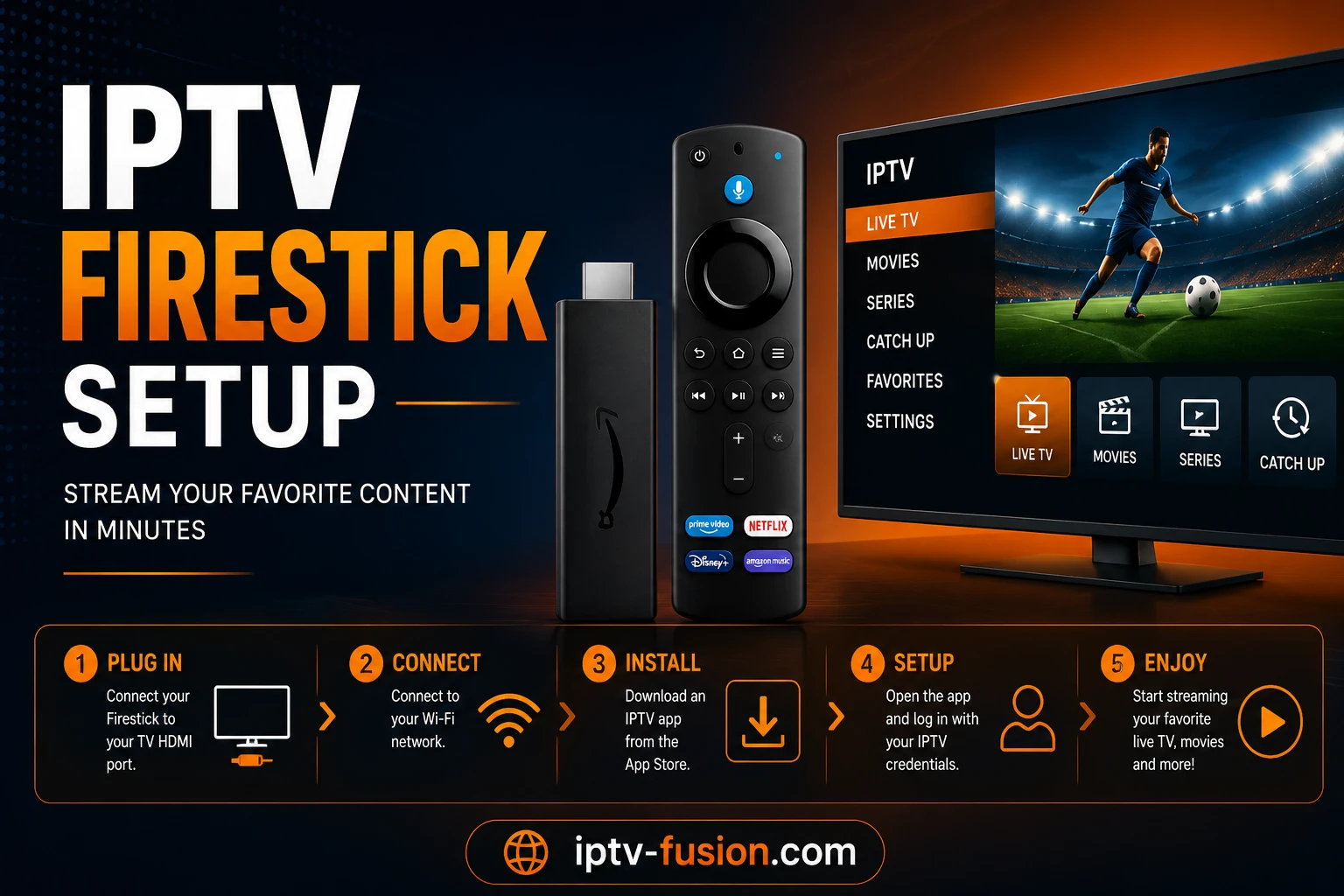
Entering a Downloader code on a Fire TV Stick
One code in Downloader installs the player

Watch on any device — no cable needed

Start your free 24-hour trial. No credit card required.

Start Free Trial

Fixes for the most common problems

ProblemLikely causeFix
No Developer Options in the menuHidden by recent Fire TV softwareSettings, My Fire TV, About: click the device name seven times
Downloader refuses to installInstall unknown apps is off for DownloaderDeveloper Options, Install unknown apps, switch Downloader on
The code does nothingTyped in the wrong field or mistypedUse the code box on Downloader's home screen; check 481220 or 272483
Empty programme guideGuide not loaded yetWait a few minutes after first login, then refresh the guide in the player's settings
Buffering in the eveningWeak Wi-Fi in the TV roomSwitch to 5 GHz, move the router or use an Ethernet adapter
The stick feels slowStorage almost fullClear the player's cache, uninstall unused apps, restart the stick

Staying safe

Only install players from the Appstore, from Downloader codes you trust, or from the developer's own site. Avoid "fully loaded" sticks sold with apps already on them. Our IPTV legality guide explains why the source of the content, not the player, is what matters.

In short

Click the device name seven times, install Downloader, allow it, enter 481220 or 272483, log in, and switch to 5 GHz or Ethernet. That is the whole job. If IPTV is new to you, read what IPTV is and how it works, and when you are ready, compare the IPTV Fusion plans.

Get your login in two minutes: start a free 24-hour IPTV Fusion trial, no credit card.

Watch on any device — no cable needed

Start your free 24-hour trial. No credit card required.

Frequently Asked Questions

How do I install IPTV on a Firestick?
Reveal Developer Options (Settings, My Fire TV, About, click the device name seven times), install Downloader from the Appstore, allow it to install unknown apps, enter code 481220 for IBO Player Pro or 272483 for TiviMate, then log in with your IPTV details.
What is the Downloader code for IBO Player Pro?
481220. Type it into the code box on Downloader's home screen and confirm the download and installation.
What is the Downloader code for TiviMate?
272483. You can also type tivimate.com/apk into Downloader's address bar, which points to the official TiviMate download.
Why can't I find Developer Options on my Fire TV Stick?
Amazon hides them on recent software. Go to Settings, My Fire TV, About, and click your device name seven times. A message confirms you are a developer, and Developer Options appears in the My Fire TV menu.
Can I sideload IPTV apps on the Fire TV Stick 4K Select?
No. The Fire TV Stick 4K Select runs Vega OS, which does not allow sideloading. Use a Fire OS model, a Google TV device or your smart TV's app store instead.
Why does IPTV buffer on my Firestick?
Usually weak Wi-Fi. Move the router closer, switch to 5 GHz, or use an Amazon Ethernet adapter. Clearing the player app's cache and restarting the stick also helps.