Tell us your device and we send a ready-to-use login on WhatsApp.
Free for 24 hours
No credit card
Login in about 2 minutes
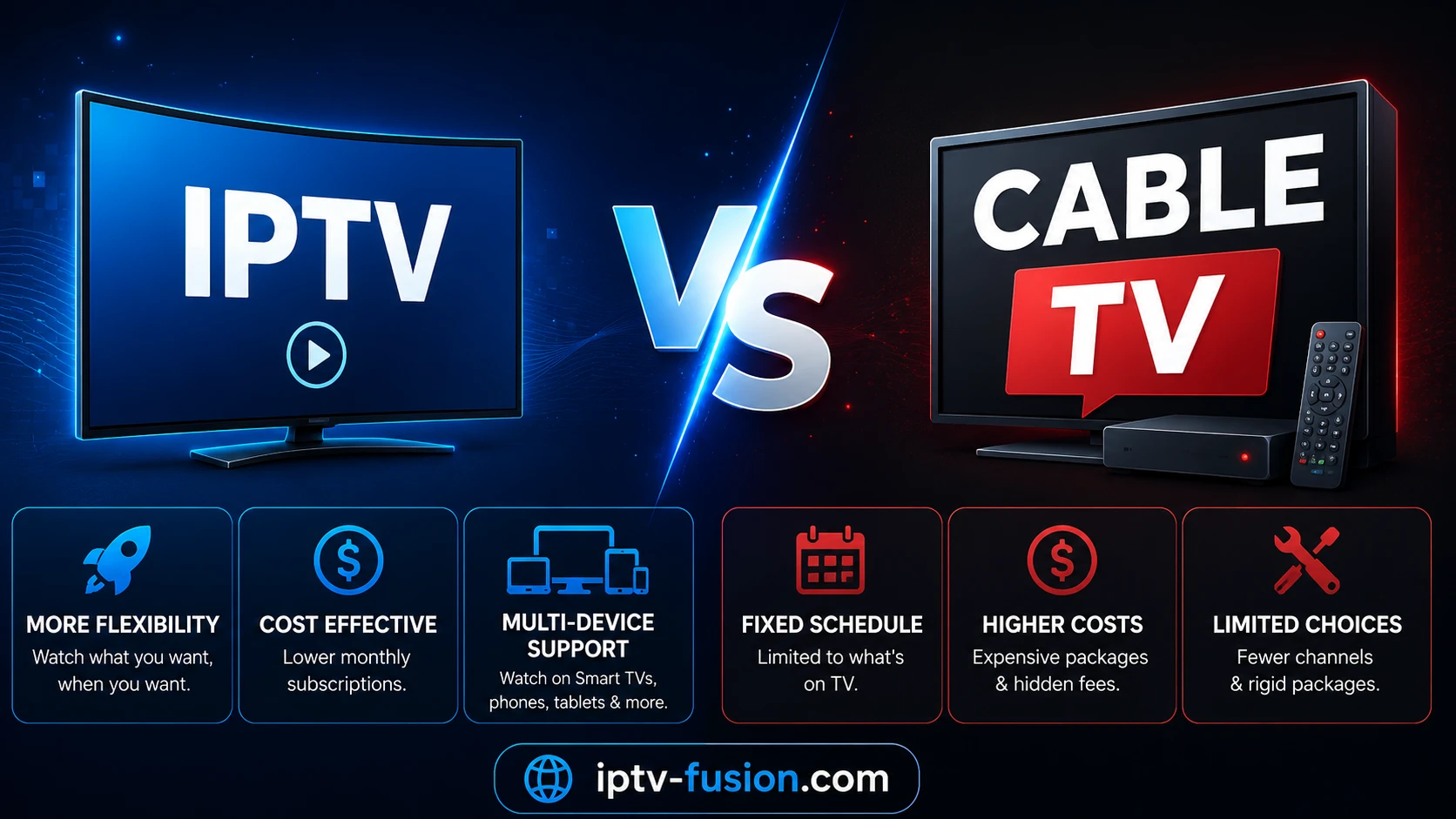
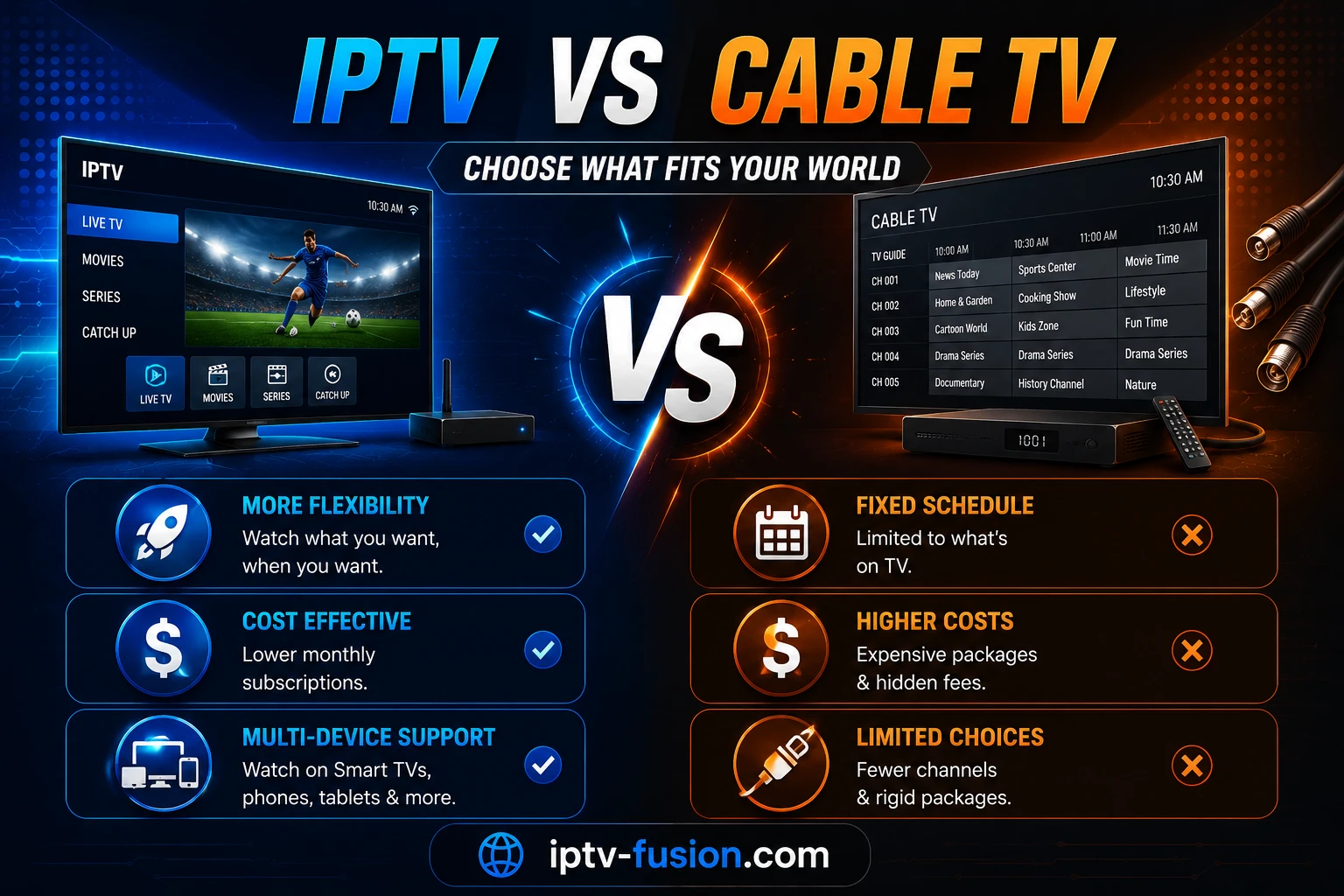
For most households with a decent internet connection, IPTV now does what cable does for less money and with more flexibility. But it is not a free upgrade: you trade a dedicated TV line for a dependence on your internet connection. Here is what really changes, so you can decide with your own numbers.
Same sofa, different delivery
What actually differs
Cable TV
IPTV
How channels arrive
A dedicated TV line into the home
Your internet connection
Hardware
A rented set-top box per TV
An app on a TV, stick, phone or tablet you own
Commitment
Often a minimum term
Monthly or prepaid plans, no contract with IPTV Fusion
Extras
Depends on the package
Programme guide, catch-up and an on-demand library
If the technology itself is new to you, our guide to what IPTV is and how it works follows a stream from the channel to your screen.
What you gain by switching
A lower yearly cost. One plan price instead of a package plus box rental and fees.
No box to rent. Use the TV, stick or phone you already own.
No long contract. IPTV Fusion plans run from one month to two years, with no contract.
Catch-up and on demand. 7-day catch-up and a library of 90,000+ films and series alongside thousands of live channels.
Every screen. The same subscription works on the living-room TV, a bedroom stick and a phone.
Travel. Your TV comes with you wherever there is a good connection.
What you give up
Independence from the internet. If your connection or Wi-Fi drops, so does the picture. Cable usually keeps working.
A single bill and a single remote. You manage internet and TV separately, and set up an app yourself.
Hands-off reception. Picture quality now depends on your home network; a weak Wi-Fi signal in the TV room shows up as buffering.
Most of these are solved with a network cable to the main TV and a connection of about 10 Mbps per HD stream or 25 Mbps for 4K.
Compare a full year, not one month
Watch on any device — no cable needed
Start your free 24-hour trial. No credit card required.
1. TV part of your monthly bill, including box and fees
€40
2. Times 12 = yearly TV cost
€480
3. IPTV Fusion yearly plan
€55 ($60)
4. Difference
€425 a year in this example
The €40 is only an example: use the figure on your own bill. IPTV Fusion plans run from €11 ($12) for one month to €89 ($100) for two years, all with a 7-day money-back guarantee and free IBO Player Pro activation on yearly plans. See the IPTV Fusion plans for every option.
When cable is still the better choice
Your internet is slow or unstable, below about 10 Mbps in the evening, and cannot be upgraded.
Your connection is data-capped or mobile-only, and several people watch for hours every day.
You want zero setup: one bill, one remote, and someone else responsible for the box.
You are tied into a contract with months left; switching makes more sense when it ends.
How to decide this week
Keep cable running and test IPTV alongside it. Request the free 24-hour trial, install an app on your main TV (on a Fire TV Stick, IBO Player Pro with Downloader code 481220 or TiviMate with code 272483; see our Fire TV Stick guide), and watch during the evening peak. If it holds on every TV, cancel the TV part of your cable package and keep the internet.
The verdict
If your connection is solid, IPTV gives you more for less: lower yearly cost, no box rental, catch-up, a film library and every screen in the house. If your connection is weak or capped, cable still earns its place. Test before you decide, and let your own numbers settle it.
Usually, yes. The TV part of a cable bill often includes box rental and fees, while an IPTV plan is a single price. IPTV Fusion's yearly plan costs €55 ($60) for the whole year, with no contract and no box to rent. Compare it with the TV part of your own bill times 12.
Is IPTV picture quality as good as cable?
On a stable connection, yes, and many channels are available in HD or 4K. Quality depends on your line and Wi-Fi more than on the technology: plan for about 10 Mbps per HD stream and 25 Mbps for 4K, and use a network cable for the main TV.
Does IPTV work when the internet is down?
No. IPTV depends on your internet connection, so an outage stops the picture. Cable TV usually keeps working when your internet has a problem, which is one of its real advantages.
Can I cancel cable TV and keep my internet?
In most cases, yes. Many providers let you remove the TV part of a bundle or switch to internet-only once the minimum term has ended. Check your own contract for notice periods before you cancel.
Do I need a box for IPTV?
Usually not. A Fire TV Stick, a Google TV or Android TV device, a Samsung or LG smart TV, or an iPhone, iPad or Apple TV with a player app is enough.
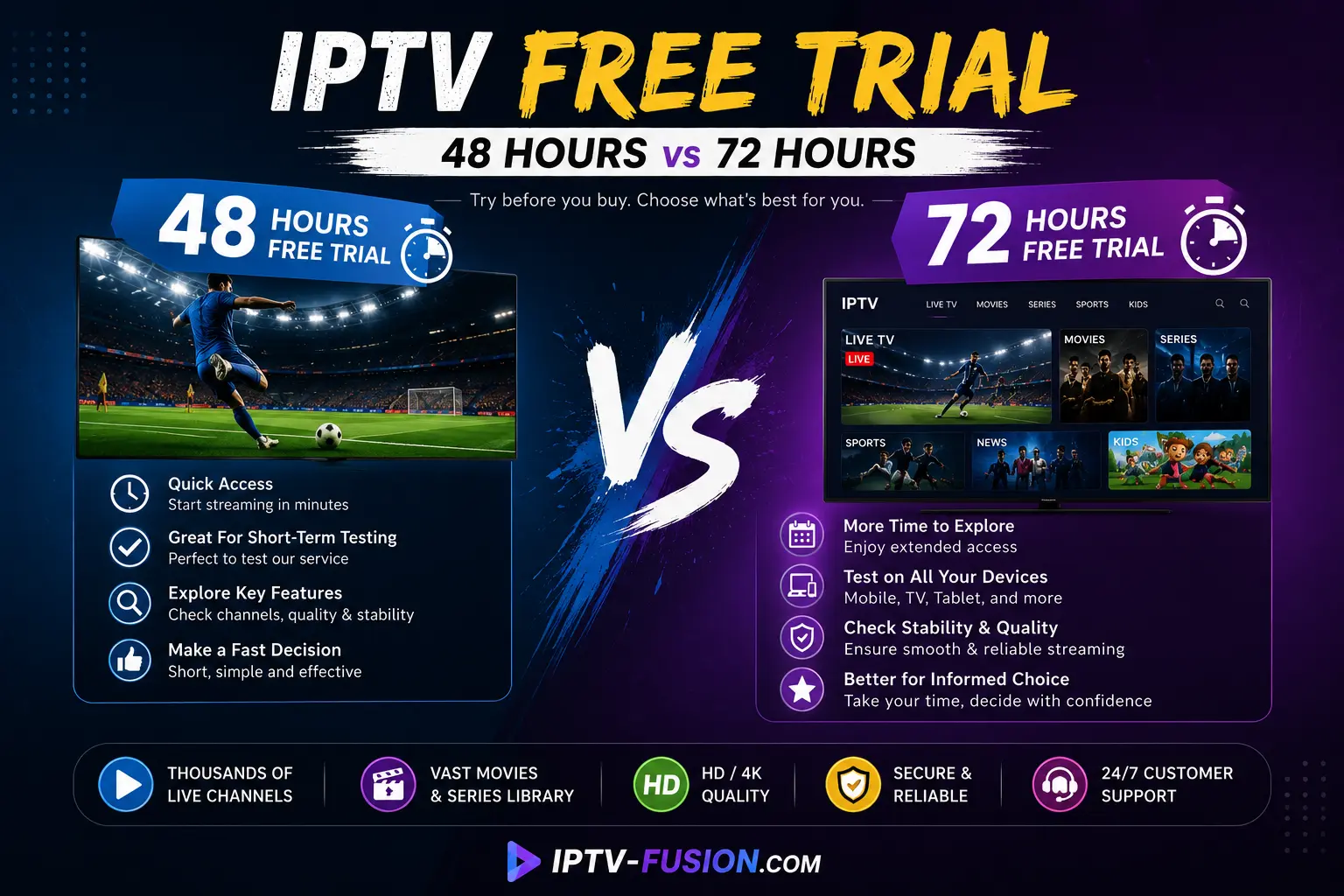
48h or 72h IPTV trial? What each trial length lets you check, a 24-hour test script that covers the same ground, and what to do when a day isn't enough.