Skip to content
What is IPTVHow IPTV worksIPTV explainedIPTV meaningIPTV for beginners

What is IPTV? The five layers between a channel and your TV

Published: Updated: 4 min read
Share:

Get your free 24-hour trial

Tell us your device and we send a ready-to-use login on WhatsApp.

  • Free for 24 hours
  • No credit card
  • Login in about 2 minutes
Prefer Telegram?

We only use these details to set up your trial.

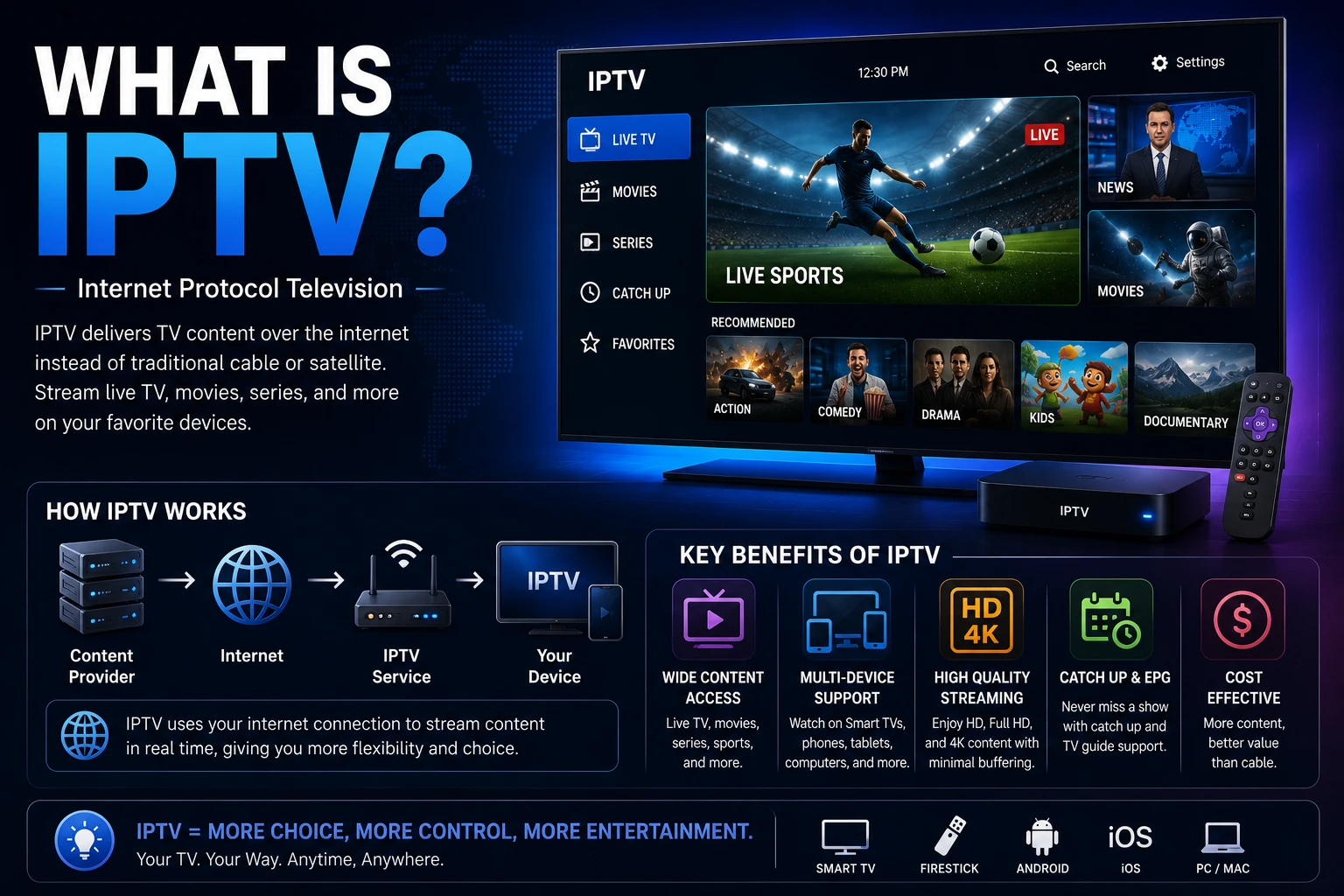
IPTV (Internet Protocol Television) is television delivered over the internet. Instead of arriving through an aerial, a satellite dish or a coaxial cable, channels reach your TV as a stream of data, the same way a video call or a website does. You watch them in an app, with a channel guide, catch-up and a library of films and series alongside.

The easiest way to understand IPTV is to follow a picture from the channel to your screen. It passes through five layers, and knowing what each one does tells you what you need at home, what can go wrong and what you can fix yourself.
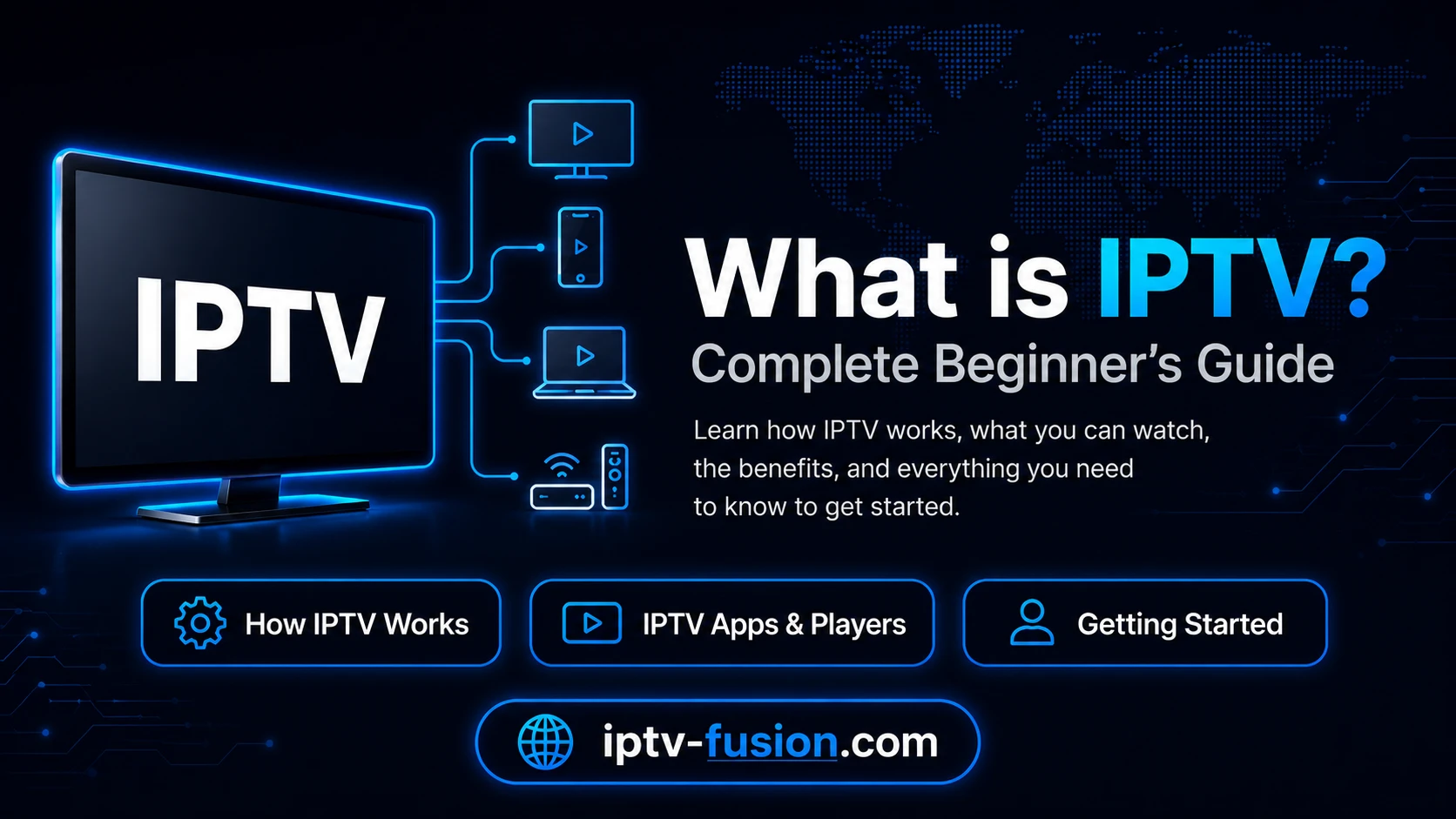
How an IPTV stream travels from the provider over the internet to a TV, phone and laptop
From the channel to your screen: five layers

The five layers of an IPTV picture

LayerWhat it doesWho controls it
1. SourceThe channel signal is received and capturedThe provider
2. ServersStreams are encoded, stored for catch-up and sent outThe provider
3. InternetData travels to your home through your connection and Wi-FiYou and your internet provider
4. AppThe player decodes the stream and shows the guideYou
5. ScreenYour TV, stick, phone or tablet displays the pictureYou

1. The source

Everything starts with the channel feed. The provider receives it and turns it into a digital stream. Picture quality can never be better than the source, which is why the same channel can look sharper on one service than another.

2. The servers

The provider's servers encode each channel into several quality levels, keep recent programmes for catch-up, store the on-demand library and send streams to thousands of viewers at once. This is the layer that decides whether a service holds up in the evening, when everyone is watching. You cannot see it directly, which is why testing during the evening peak matters so much.

3. Your internet connection

The stream travels to your home over the internet. As a rule of thumb, plan for about 10 Mbps per HD stream and 25 Mbps per 4K stream. Fibre and cable cover several screens easily. In most homes the real bottleneck is the Wi-Fi between router and TV, not the line itself: a network cable or a mesh access point near the TV solves most buffering.

4. The player app

The app receives the stream, decodes it and shows a channel guide, catch-up and the on-demand library. Good apps switch channels quickly and remember favourites. On a Fire TV Stick, IBO Player Pro (Downloader code 481220) and TiviMate (code 272483) are common choices. Our Fire TV Stick guide walks through the installation.

5. The screen

Finally, your device displays the picture. Most homes already own something that works: a Fire TV Stick, a Google TV or Android TV device, a Samsung or LG smart TV with IBO Player Pro, or an iPhone, iPad or Apple TV with ibo Pro Player from the App Store.
Watch on any device — no cable needed

Start your free 24-hour trial. No credit card required.

Start Free Trial

Three ways to watch

ModeWhat it isTypical use
LiveChannels as they are broadcast, with a programme guideNews, events, everyday TV
Catch-upRecent programmes you missed, replayed from the guideWatching yesterday's evening programme
On demandA library of films and series you start whenever you wantWeekends, binge-watching

This mix is what makes IPTV a replacement for a TV package rather than one more streaming app. If you are weighing that switch, our IPTV vs cable comparison goes through costs and trade-offs.

A Fire TV Stick, smart TV, smartphone and laptop showing IPTV channels
The same subscription works across TVs, sticks, phones and tablets

What you need at home

  • A connection of around 10 Mbps per HD stream or 25 Mbps per 4K stream, ideally with the main TV on a network cable.
  • A device you probably already own: a streaming stick, a smart TV, a phone or a tablet.
  • A player app suited to that device.
  • A subscription that gives you the login details for the app.

The technology is legal. Telecom operators deliver their own TV services over IP, and it is the same principle. What decides whether a particular service is legal is whether it holds the rights to what it streams. Be wary of sellers with no company details, no terms, no refunds and prices that look too good to be true. Our IPTV legality guide explains the details; it is not legal advice.

How to start in about ten minutes

IPTV Fusion is a subscription IPTV service with thousands of live channels, 90,000+ films and series, 7-day catch-up and 24/7 support on WhatsApp and Telegram, from €11 ($12) a month with no contract and a 7-day money-back guarantee. Request the free 24-hour trial, install the app on your main TV, enter the login and test during the evening peak. Not sure a day is enough? Read our guide to 24, 48 and 72-hour trials, then compare the IPTV Fusion plans.

In one sentence

IPTV is TV over the internet: the provider handles the source and the servers, you handle the connection, the app and the screen, and when all five layers work, it feels exactly like ordinary television, with catch-up and a film library on top.

See it on your own TV: start your free 24-hour IPTV Fusion trial, no credit card.

Watch on any device — no cable needed

Start your free 24-hour trial. No credit card required.

Frequently Asked Questions

What does IPTV stand for?
IPTV stands for Internet Protocol Television: television delivered over an IP network, the same kind of network that carries websites and video calls, instead of an aerial, satellite dish or cable line.
How does IPTV work in simple terms?
A provider receives channels, prepares them on its servers and sends them over the internet as a data stream. An app on your TV, stick or phone receives that stream, decodes it and shows the picture, together with a channel guide.
What do I need to watch IPTV?
An internet connection (around 10 Mbps per HD stream, 25 Mbps for 4K), a compatible device such as a Fire TV Stick, a Google TV or Android TV device, a Samsung or LG smart TV or an iPhone, iPad or Apple TV, a player app and a subscription.
Is IPTV the same as a streaming app?
Not quite. Streaming apps mostly offer their own on-demand catalogue. IPTV usually combines live channels with a programme guide, catch-up and an on-demand library, so it replaces a TV package rather than adding one more app.
Is IPTV legal?
IPTV as a technology is legal, and many telecom operators use it for their own TV services. What makes a service legal or not is whether it has the rights to the content it streams. See our IPTV legality guide.
Can I try IPTV before paying?
Yes. IPTV Fusion offers a free 24-hour trial with no credit card, sent on WhatsApp or Telegram in about two minutes.