Tell us your device and we send a ready-to-use login on WhatsApp.
Free for 24 hours
No credit card
Login in about 2 minutes
The best IPTV in the USA is the one that actually lowers your bill without lowering what you watch. That comes down to three numbers: what you pay for cable today, what you'd pay for IPTV, and how much data your internet plan allows. Get those right and the choice is easy.
IPTV Fusion is a subscription IPTV service with thousands of live channels and 90,000+ movies and series over the internet, from $12 a month with no contract. Here's the cord-cutter's math, the data-cap question nobody talks about, and which devices work.
Cutting the cord: compare the yearly cost, not just the monthly price
The cord-cutting math
Cable bills creep up with box rentals, broadcast fees and regional surcharges. Compare a full year:
Per month
Per year
Typical cable TV bill (with equipment and fees)
$80–$150
$960–$1,800
IPTV Fusion, monthly plan
$12
$144
IPTV Fusion, yearly plan
$5.00
$60
IPTV Fusion, two-year plan
$4.17
$50
All plans include thousands of live channels with your local channels, 90,000+ movies and series on demand, 4K where available, a 7-day catch-up and 24/7 support, with no contract and no box to rent. Yearly plans add a free IBO Player Pro activation. Full details are on the IPTV Fusion plans page, and every plan comes with a 7-day money-back guarantee.
Will IPTV hit your internet data cap?
Many US internet plans include a monthly data cap — often around 1.2 TB. Streaming uses data, so it's worth doing the math:
Quality
Data per hour
4 hours a day, per month
HD
~3–4 GB
~360–480 GB
4K
~10–12 GB
~1.2–1.4 TB
For most households watching in HD, that's comfortably under the cap. If several people stream 4K for hours every day, you could get close — check your usage in your ISP's app during the first month, or choose HD on secondary TVs.
Local channels, international channels and on-demand in one guide
Watch on any device — no cable needed
Start your free 24-hour trial. No credit card required.
Downloader app, code 481220 (IBO) or 272483 (TiviMate)
Google TV / Android TV
TiviMate
Google Play
Samsung and LG Smart TVs
IBO Player Pro
The TV's app store
iPhone, iPad, Apple TV
ibo Pro Player
App Store (iOS and tvOS)
Roku
Few reliable options
Add a Fire TV or Google TV stick on HDMI
Our Fire TV Stick guide walks through the Downloader install screen by screen. For the best picture, connect the TV or stick with Ethernet — Wi-Fi in a big house is the most common cause of buffering.
Is IPTV legal in the US?
IPTV is simply a way of delivering television over the internet; US cable and telecom companies use it for their own services, and communications are regulated by the FCC. What makes a particular service legal is whether it has the rights to what it streams. Be wary of sellers with no company details, no terms, no refunds and prices that seem too good to be true. Our IPTV legality guide explains more; this isn't legal advice.
How to test it this week
Request the free 24-hour trial on WhatsApp or Telegram — no credit card.
Install the app on the TV or stick you'll actually use.
Check your local channels, the TV guide and a few on-demand titles.
Watch for 20 minutes in prime time, between 8 and 11 pm.
For most American households, the math is simple: a year of IPTV costs less than a single month of cable. Make sure it runs on your device, holds up in prime time and fits your data cap — then cut the cord with confidence.
The best IPTV service in the USA is one that stays stable on your connection in the evening, runs on the device you already own, includes your local channels and a working TV guide, and lets you test before paying. IPTV Fusion offers thousands of live channels, 90,000+ movies and series, plans from $12 a month with no contract and a free 24-hour trial with no credit card.
How much can I save by switching from cable to IPTV?
With cable at $80–$150 a month, a year costs roughly $960–$1,800. IPTV Fusion's yearly plan is $60, so most households save several hundred dollars a year, plus there's no equipment rental or contract.
Will IPTV use up my internet data cap?
It can if you watch a lot in 4K. HD uses about 3–4 GB an hour and 4K about 10–12 GB. Four hours a day in HD is roughly 360–480 GB a month, well under a typical 1.2 TB cap; heavy 4K viewing in a busy household can get close to it.
Does IPTV work on Roku?
Roku's channel store offers few IPTV players and they change often. The simplest option is a Fire TV Stick or a Google TV device plugged into HDMI, running IBO Player Pro or TiviMate.
Is IPTV legal in the US?
IPTV as a technology is legal and US cable and telecom companies use it themselves. What matters is whether the service has the rights to its content. Read our IPTV legality guide for the details.
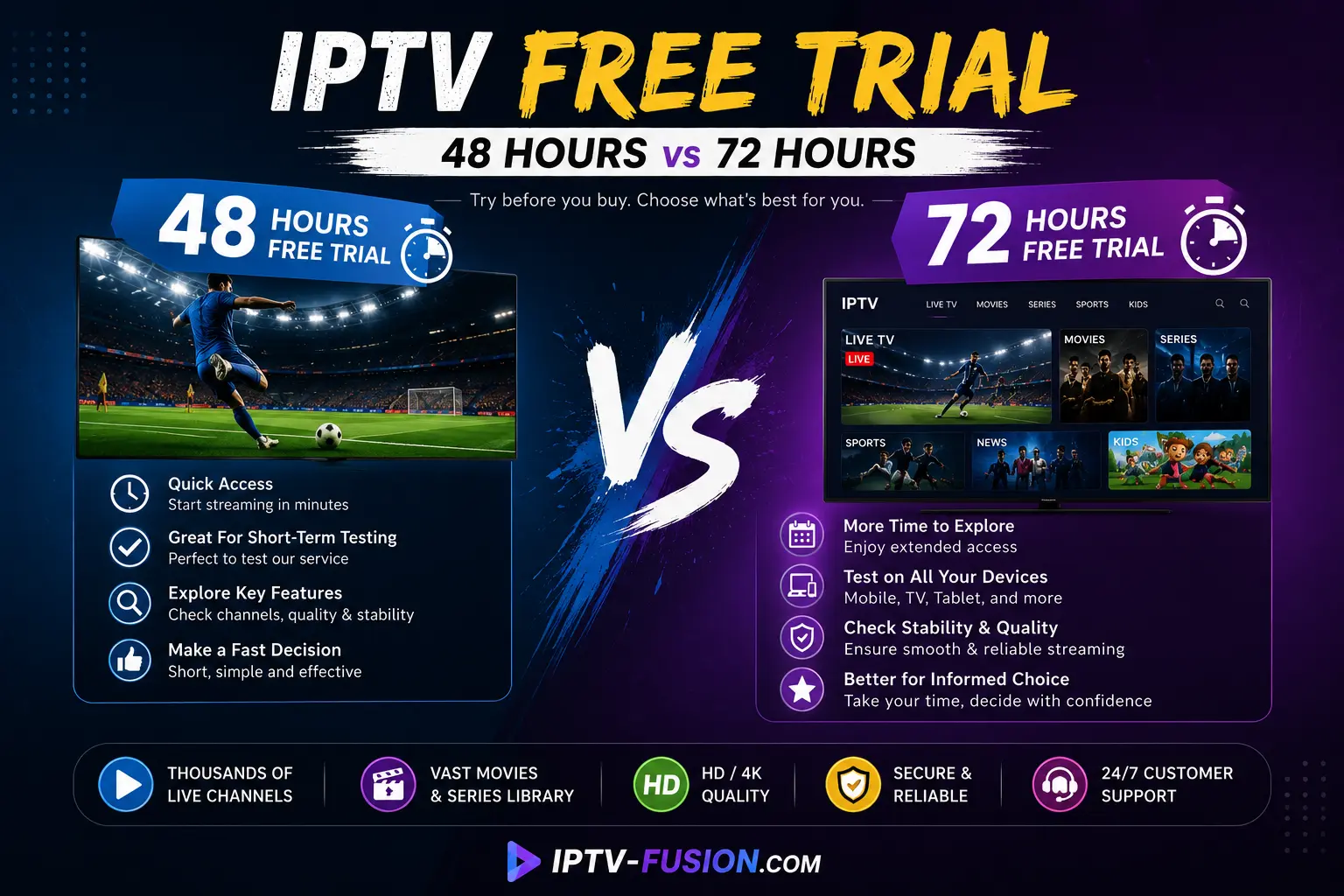
48h or 72h IPTV trial? What each trial length lets you check, a 24-hour test script that covers the same ground, and what to do when a day isn't enough.