IPTV (Internet Protocol Television) is a way of delivering live TV channels and on-demand video over your internet connection instead of through a cable, satellite dish or aerial. Instead of a signal travelling down a coax cable, each programme is sent to your device as data — the same way a website or a YouTube video reaches you. If you can stream Netflix, your home is already ready for IPTV.
This guide explains exactly what IPTV is, how it works behind the scenes, which devices and internet speed you need, whether it is legal, and how to start watching. It is the foundation for everything else on our blog — from setting up IPTV on a Firestick to comparing IPTV vs cable.
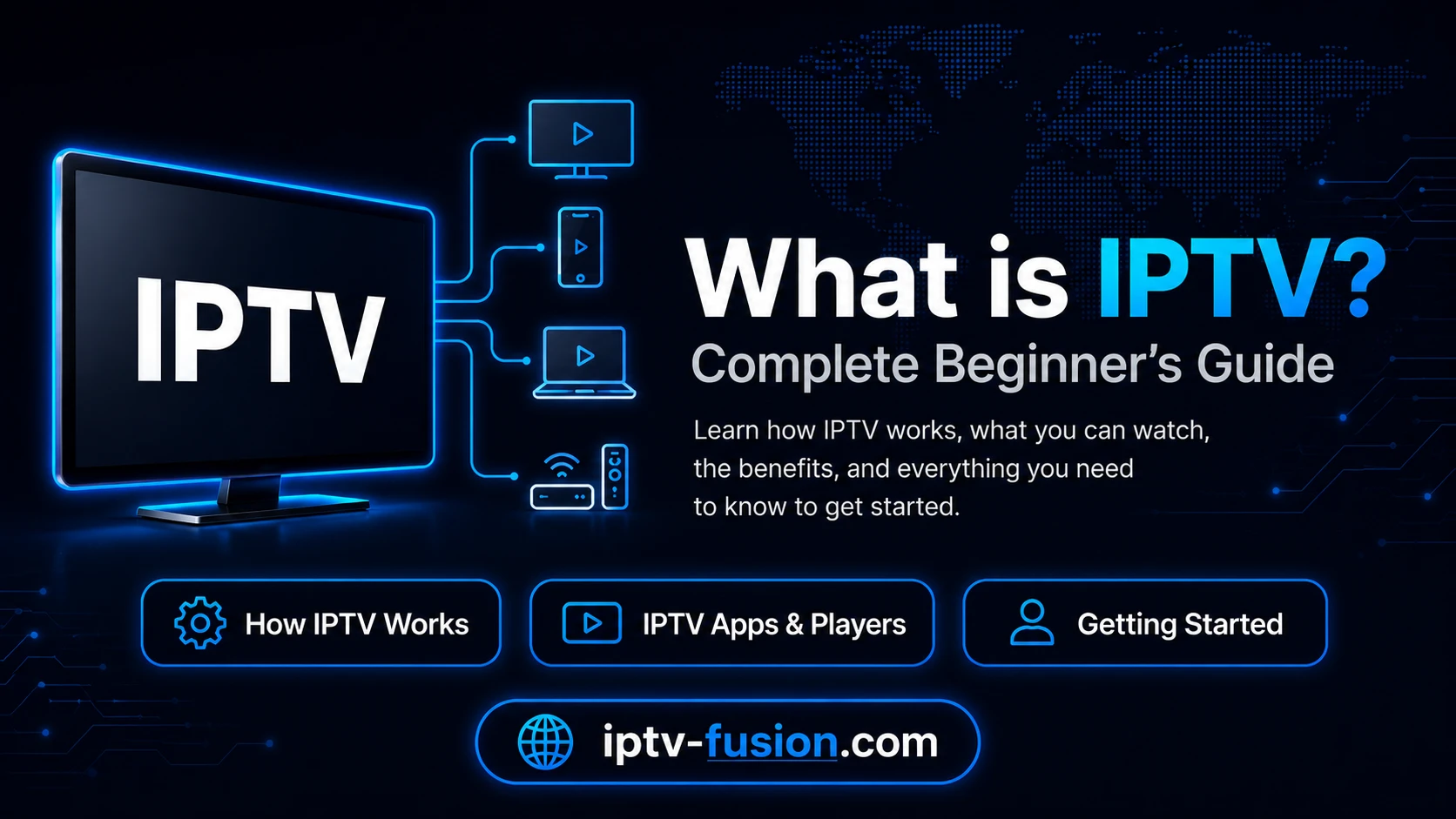
Image: how an IPTV stream reaches your devices over the internet
What is IPTV?
IPTV stands for Internet Protocol Television. It is a system that streams television — both live channels and a library of movies and series — over an IP network (the internet) rather than the traditional broadcast methods of cable, satellite or terrestrial aerial.
The key difference is delivery. Traditional TV broadcasts everything at once and your box tunes in to a channel. IPTV instead sends only the specific stream you ask for, on demand, to whichever device you are using. That single shift is what makes IPTV cheaper, more flexible and far richer in content than old-fashioned TV.
How does IPTV work?
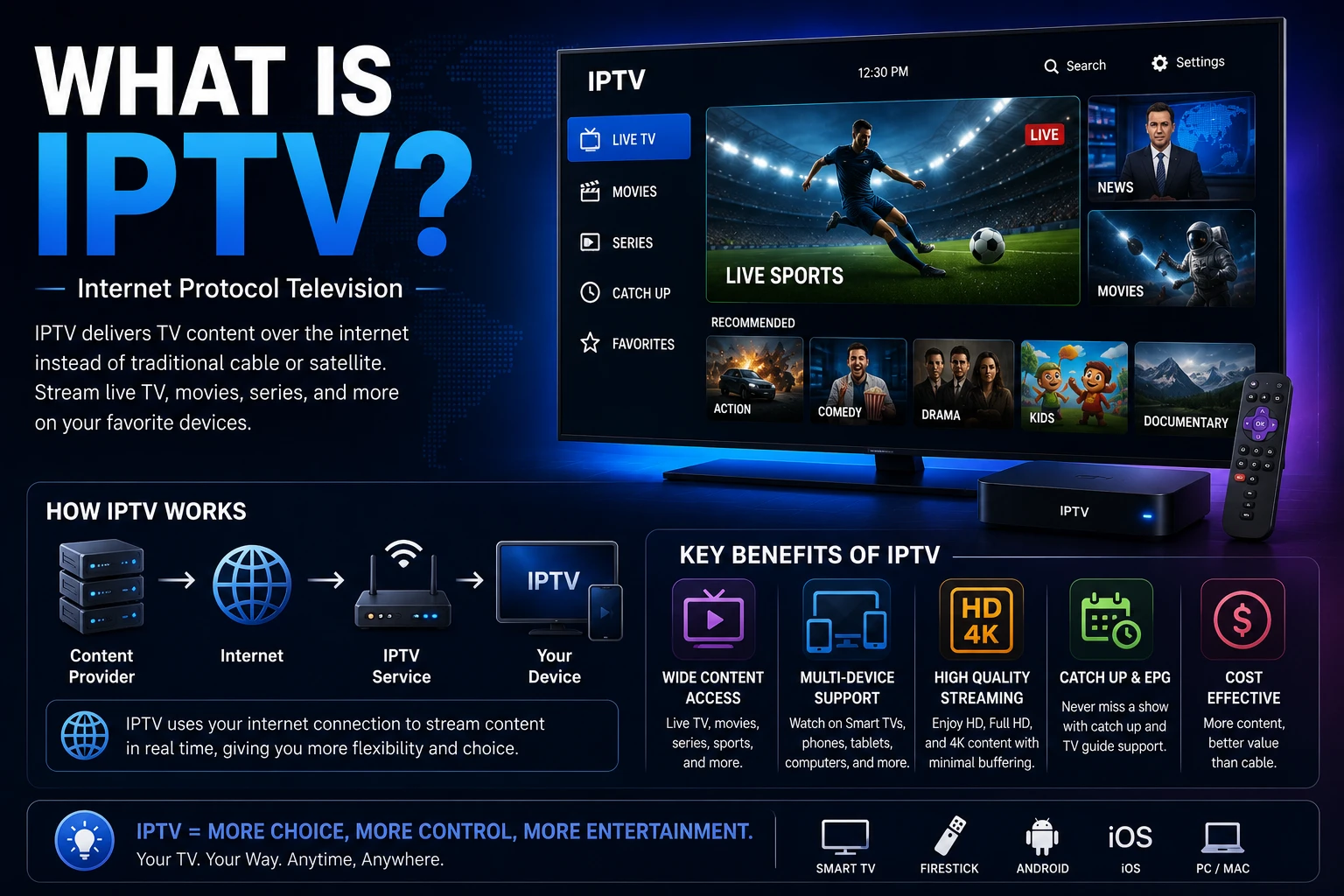
From your sofa it feels instant, but a few steps happen in the background. Here is the journey of an IPTV stream, simplified:
Content is gathered. Live channels and on-demand titles arrive at the provider's central facility (the "headend").
It is encoded. The video is compressed into efficient internet-friendly formats using codecs such as H.264 and the newer H.265 (HEVC), which is what allows smooth 4K over normal broadband.
Middleware organises everything. A management layer handles the channel list, the on-screen TV guide (EPG), your login and security.
The stream is delivered. The content travels over the internet to your device, often through a content delivery network (CDN) so it stays fast wherever you are.
Your app plays it. An IPTV app on your Firestick, smart TV or phone decodes the stream and shows it on screen — with pause, rewind and catch-up handled instantly.
Because each viewer only pulls the stream they want, providers can offer tens of thousands of channels without the physical limits of a cable network.
IPTV vs cable, satellite and streaming apps
Here is how IPTV compares with the options most households already know:
IPTV
Cable / Satellite
Netflix / Disney+
Live TV & sports
Yes — thousands of channels
Yes — limited package
No
On-demand movies
Yes — 90,000+ titles
Limited
Yes
Works on any device
Yes
Tied to a box
Yes
Contract
None — monthly
12–24 months
Monthly
Typical cost
From $12/month
$80–$200/month
$10–$20/month each
The takeaway: IPTV is the only option that combines live channels, sports and a huge on-demand library at a streaming-app price. Many people keep Netflix for originals and use IPTV for everything live.
What can you watch with IPTV?
A good IPTV service covers three content types:
Live TV — sports, news, entertainment and kids channels broadcast in real time, from 50+ countries.
Video on demand (VOD) — a library of movies and series you start whenever you like, much like Netflix.
Catch-up & time-shift — missed a match or a show? Catch-up TV lets you replay the last several days, and you can pause or rewind live channels.
IPTV Fusion, for example, includes thousands of live channels, 90,000+ movies and series, a 7-day catch-up replay and a full EPG (TV guide).
Watch on any device — no cable needed
Start your free 24-hour trial. No credit card required.
You almost certainly own a compatible device already. IPTV runs on:
Device
How you watch
Amazon Firestick / Fire TV
Most popular choice — install an app like TiviMate or IPTV Smarters
Smart TV (Samsung, LG)
Install an IPTV app from the built-in store
Android TV box (Sony, Philips, TCL)
Full Google Play access — broadest app choice
iPhone & iPad
Apps such as IPTV Smarters or GSE
Android phone / tablet
Any major IPTV app
Windows / Mac
Desktop players or a web player
Image: IPTV works across Firestick, smart TVs, phones and computers
How much internet speed do you need for IPTV?
IPTV quality follows your internet speed. As a rule of thumb:
Quality
Recommended speed
SD (standard)
5 Mbps
HD
10 Mbps
Full HD
15–20 Mbps
4K Ultra HD
25 Mbps+
If two people stream at once, roughly double the figure. For Full HD and 4K, a wired Ethernet connection is more stable than Wi-Fi and is the single best fix for buffering.
Is IPTV legal?
IPTV as a technology is completely legal. It is simply a delivery method — the same one Netflix, Disney+ and your cable company already use. What determines legality is the source of the content.
A legitimate provider licenses its content and pays the rights holders. Services that distribute premium channels without permission are operating illegally, and they are the ones that come with warning signs: no refund policy, suspiciously low prices, anonymous ownership and no real support. Always choose a provider with transparent pricing and a money-back guarantee. For the full picture, read our dedicated guide: Is IPTV legal?
How to get started with IPTV
Getting up and running takes only a few minutes:
Choose a reputable provider and a plan that fits — start with a free trial if one is offered.
Receive your login (an M3U link or Xtream Codes details) by email after signing up.
Install an IPTV app on your device — TiviMate and IPTV Smarters are the most popular.
Enter your details, let the app load the channel list and guide, and start watching.
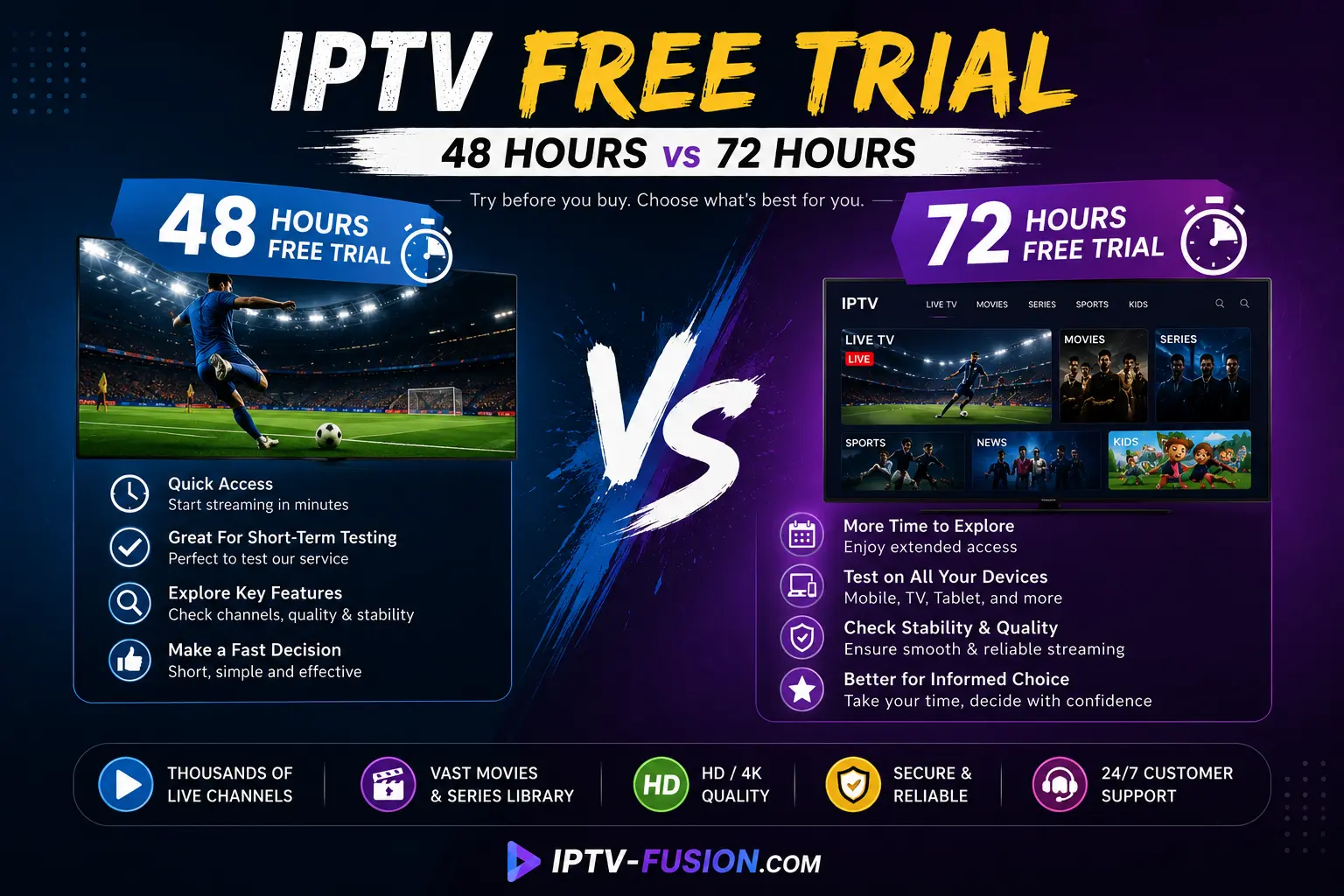
You can try IPTV Fusion free for 24 hours with no credit card — see the free IPTV trial.
Common mistakes when choosing an IPTV service
Not all IPTV providers are equal. Here are the red flags to watch for — and what a legitimate service does instead:
No refund policy — legitimate services offer at least a 7-day money-back guarantee. Avoid any provider that refuses refunds.
Anonymous ownership — a trustworthy provider lists a company name, contact email and support channels. Anonymous services are higher risk.
Suspiciously low prices — ultra-cheap services often use stolen streams that go dead without warning. Expect to pay $10–$15/month for a reliable service.
No trial offered — any reputable service lets you test before committing. A free 24-hour trial is standard practice.
Slow or no support — check whether there is a real support team. 24/7 live chat or ticket response under one hour is a quality signal.
Why choose a premium IPTV service
Cheap, unlicensed IPTV is where the buffering, dead channels and scams live. A premium service is defined by what it gets right: a stable network with 99.9% uptime, anti-freeze technology, a complete EPG, catch-up TV and genuine 24/7 human support.
IPTV Fusion has served viewers since 2020, carries thousands of channels in up to 4K, and is rated 4.9/5 by 2,450+ users. Plans start at $12/month with no contract and a 7-day money-back guarantee, so you can test it risk-free. Explore the IPTV subscription plans or start with the free trial above.
Watch on any device — no cable needed
Start your free 24-hour trial. No credit card required.
Yes — IPTV as a technology is completely legal; it is the same delivery method used by Netflix, Disney+ and your cable company. What matters is the source: a licensed provider that pays for content rights is legal, while services distributing channels without permission are not. Read our full guide on IPTV legality.
How much internet speed do I need for IPTV?
About 10 Mbps for HD and at least 25 Mbps for smooth 4K. If two people watch at once, double it. For Full HD and 4K a wired Ethernet connection is more reliable than Wi-Fi.
What devices can I use for IPTV?
Almost any modern device: Amazon Firestick, Android TV boxes, Samsung and LG smart TVs, iPhones and iPads, Android phones, Windows and Mac computers. You install an app such as TiviMate or IPTV Smarters and enter your login.
Is IPTV better than Netflix or cable?
They serve different needs. IPTV gives you live channels, sports and thousands of international channels that Netflix does not, at a far lower cost than cable. Many households use IPTV alongside a streaming app. See our IPTV vs cable comparison.
Do I need a VPN to watch IPTV?
A VPN is not required to use a licensed IPTV service. Some users add one for privacy or to watch on public networks, but with a legal provider like IPTV Fusion it is entirely optional.
How to find the 2026 football tournament on IPTV Fusion — EPG navigation, multi-feed switching, 4K quality selection, catch-up TV, and tips to never miss a match.