
VPN for IPTV: Do You Need One? (2026 Guide)
January 2025
Published: January 16, 2025 | Updated: February 23, 2025 | By Mark
As IPTV continues to dominate the home entertainment landscape, questions regarding privacy and security have naturally followed. One of the most common questions our support team receives is: "Do I actually need a VPN to use your service?"
The short answer is no; you do not strictly need one to make the service work. However, there are significant benefits to routing your IPTV traffic through a Virtual Private Network. In this guide, we explore the pros, the cons, and the exact scenarios where a VPN becomes essential.
Table of Contents
What Does a VPN Do?
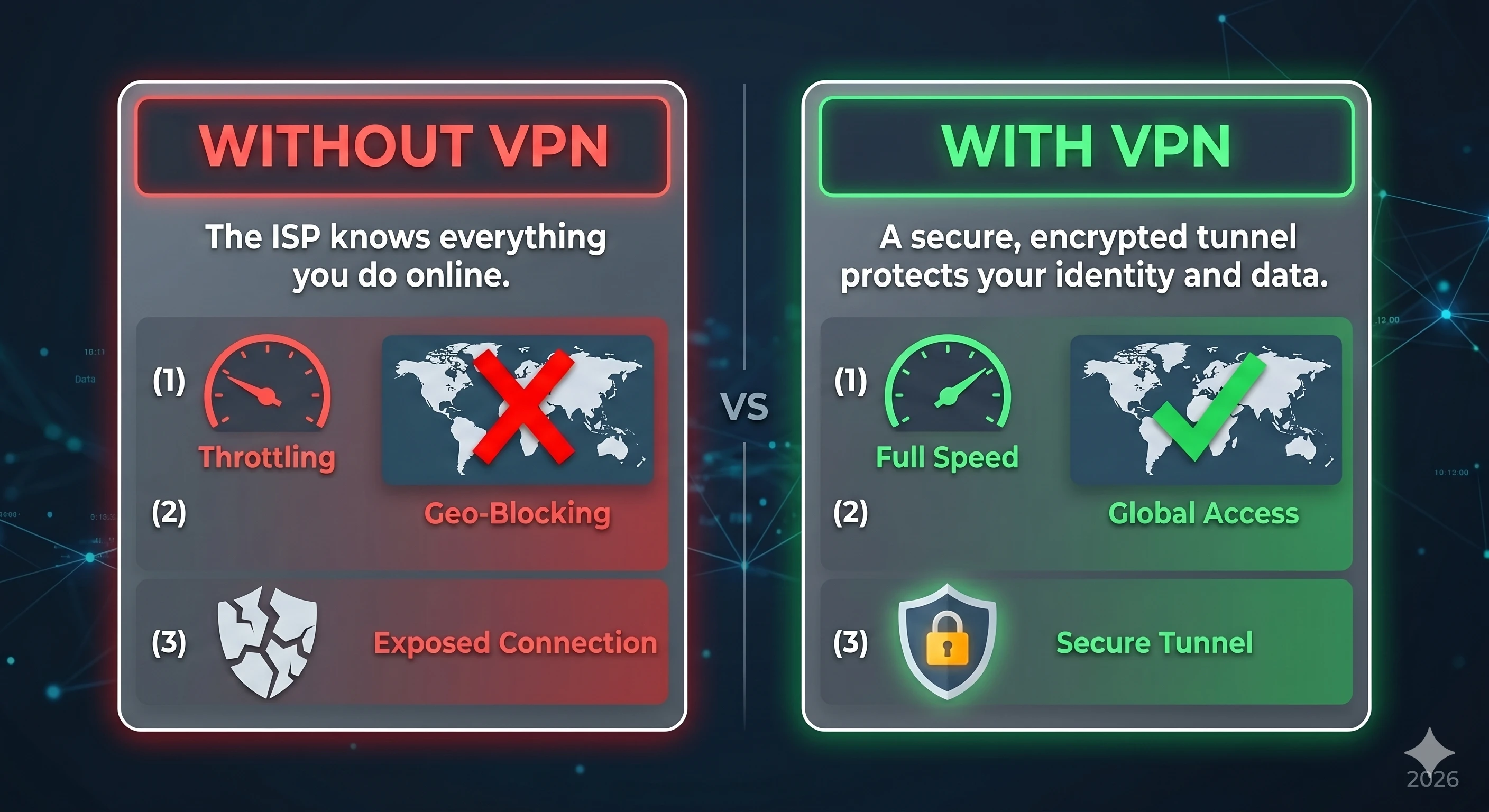
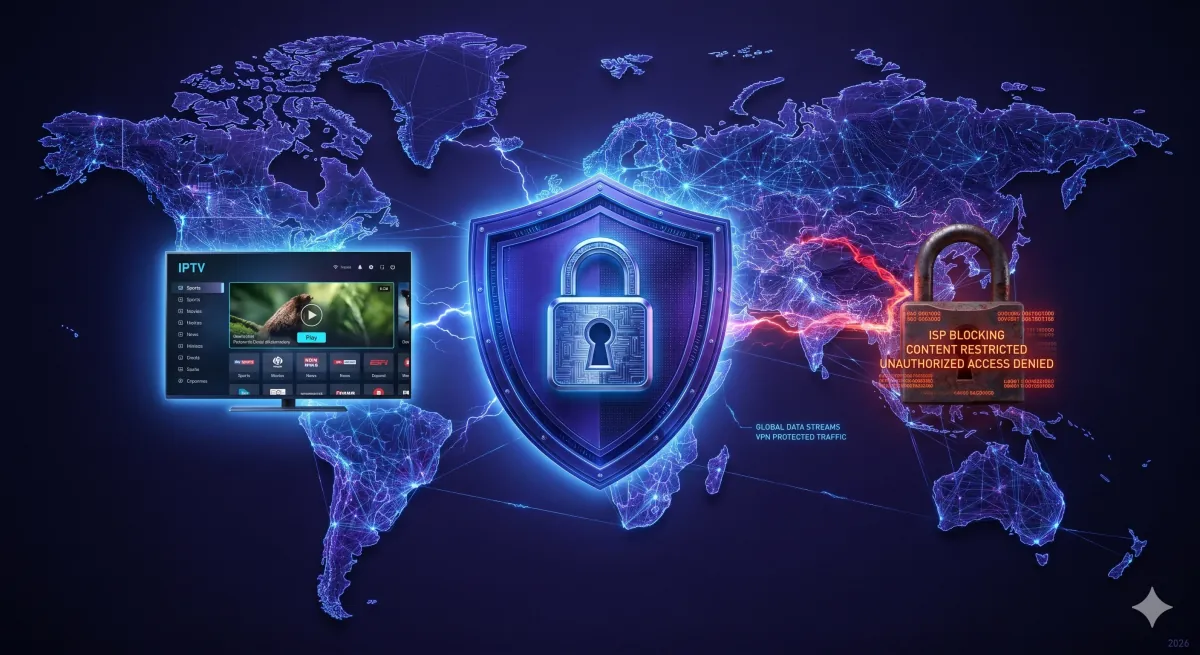
A Virtual Private Network (VPN) creates a secure, encrypted tunnel between your streaming device (like a Firestick or Smart TV) and the internet. When you connect to a VPN, your data is scrambled. To your Internet Service Provider (ISP)—whether that is Comcast, BT, Virgin Media, or AT&T—your traffic just looks like an unreadable stream of random data.
They can see that you are downloading data, but they cannot see what that data is, or where it is coming from.
Reason 1: Stopping ISP Throttling
This is the primary reason 90% of IPTV users install a VPN. Have you ever noticed that your IPTV service works flawlessly on a Tuesday morning, but the moment a massive UFC fight or Premier League match begins on a Saturday night, your stream starts buffering uncontrollably?
This isn't always the IPTV provider's fault. Many major ISPs actively monitor internet traffic. When they detect heavy video streaming traffic coming from known IPTV servers, they deliberately "throttle" (slow down) your connection to save bandwidth on their network. By using a VPN, you encrypt your traffic. The ISP can no longer see that you are streaming IPTV, meaning they cannot target your connection for throttling. The result? Buffer-free sports.
Reason 2: Privacy and Security
In 2026, digital privacy is a luxury. Your ISP legally logs your browsing history, the servers you connect to, and the data you download, often selling this data to advertisers or handing it over to regulatory bodies upon request.
If you prefer to keep your viewing habits, streaming choices, and general internet activity private, a VPN is the only effective way to mask your digital footprint. A premium VPN provider keeps zero logs of your activity, ensuring total anonymity.
Are There Any Downsides to Using a VPN?
There are two minor drawbacks to consider:
- Slight Speed Reduction: Because your data has to travel to the VPN server to be encrypted before heading to its final destination, you will experience a slight drop in overall internet speed (usually around 10% to 20%). However, if you have a decent base connection (50+ Mbps), this will not affect 4K streaming.
- Cost: Free VPNs do not work for IPTV—they are too slow and have data caps. You will need to invest in a premium VPN, which typically costs around $3 to $5 per month.
The Best VPNs for IPTV in 2026
If you decide to proceed with a VPN, ensure you choose one that is optimized for streaming and offers native apps for your television. Based on rigorous testing, our top recommendations are:
- NordVPN: Features the proprietary NordLynx protocol, offering the fastest speeds on the market—perfect for 4K live streams.
- ExpressVPN: Exceptionally user-friendly, with a brilliant native app for the Amazon Firestick.
- Surfshark: The best budget option. It allows unlimited simultaneous device connections on a single account.
How to Set Up a VPN for IPTV: Step-by-Step
Setting up a VPN for IPTV takes less than five minutes. Here is a quick universal guide that works for most devices:
- Choose a VPN: Select a premium provider. NordVPN, ExpressVPN, or Surfshark are the top three in 2026 for streaming reliability.
- Download the App: Go to your device's app store (Google Play, Amazon App Store, Smart Hub) and install the VPN app. For Firestick, search directly in the Fire TV app store.
- Log In and Connect: Open the VPN, log in with your subscription credentials, and tap Connect. Always choose a server in your home country for the fastest speeds.
- Enable Kill Switch: In the VPN settings, turn on the Kill Switch feature. This ensures your IPTV stream immediately stops if the VPN disconnects, preventing your real IP from being exposed.
- Open Your IPTV App: Launch TiviMate, IPTV Smarters, or whichever player you use. Your stream will now be encrypted and throttle-free.
VPN Comparison Table for IPTV (2026)
| VPN | Speed | Firestick App | Price/Month | Verdict |
|---|---|---|---|---|
| NordVPN | ⭐⭐⭐⭐⭐ | ✅ Yes | ~$3.99 | Best for 4K |
| ExpressVPN | ⭐⭐⭐⭐⭐ | ✅ Yes | ~$6.67 | Easiest Setup |
| Surfshark | ⭐⭐⭐⭐ | ✅ Yes | ~$2.49 | Best Value |
VPN Protocol Recommendation for IPTV
Not all VPN protocols are equal for live streaming. For IPTV specifically, always use WireGuard (available in NordVPN as "NordLynx" and in Surfshark natively). WireGuard is built on modern cryptography and has significantly lower latency than older protocols like OpenVPN — meaning your live stream start time and channel switching speed are much faster.
Conclusion
If you are experiencing buffering during peak times, or if you simply value your digital privacy, investing in a premium VPN is a smart decision. At IPTV FUSION, our servers are 100% VPN-friendly. We do not block commercial VPN IP addresses, allowing you to connect securely from anywhere in the world.
Stream Securely with IPTV FUSION
Our anti-freeze servers are fully compatible with NordVPN, ExpressVPN, Surfshark, and all major VPN providers.
Frequently Asked Questions
Quick answers about VPNs and IPTV.
It is not strictly required. If your IPTV streams smoothly and your provider is legitimate, you can watch without one. However, a VPN is highly recommended for privacy and to prevent ISP throttling.
Yes, but only if the buffering is caused by ISP throttling. If your internet service provider is deliberately slowing down your IPTV traffic, a VPN will encrypt the data, preventing them from throttling it.
A VPN adds a layer of encryption which can slightly reduce your raw download speed (by 10-20%). However, modern premium VPNs like NordVPN or ExpressVPN are fast enough that you won't notice any drop in 4K streaming quality.
NordVPN, ExpressVPN, and Surfshark remain the top choices in 2026. They offer specialized obfuscated servers, WireGuard protocols for high speed, and dedicated apps for Firestick and Smart TVs.
Yes! IPTV FUSION is completely VPN-friendly. We do not block VPN IP addresses, allowing you to stream securely and privately from any location in the world.
Free VPNs are not recommended for IPTV. They impose data caps, throttle speeds, and often log user data. For IPTV streaming, you need a premium VPN like NordVPN or ExpressVPN which offer unlimited bandwidth and dedicated streaming servers.
Written by Mark, Lead Streaming Technician
Streaming technology experts and IPTV industry reviewers since 2020. This article has been reviewed and verified for accuracy as of April 2026. Our team tests IPTV services hands-on before publishing any comparison or recommendation.