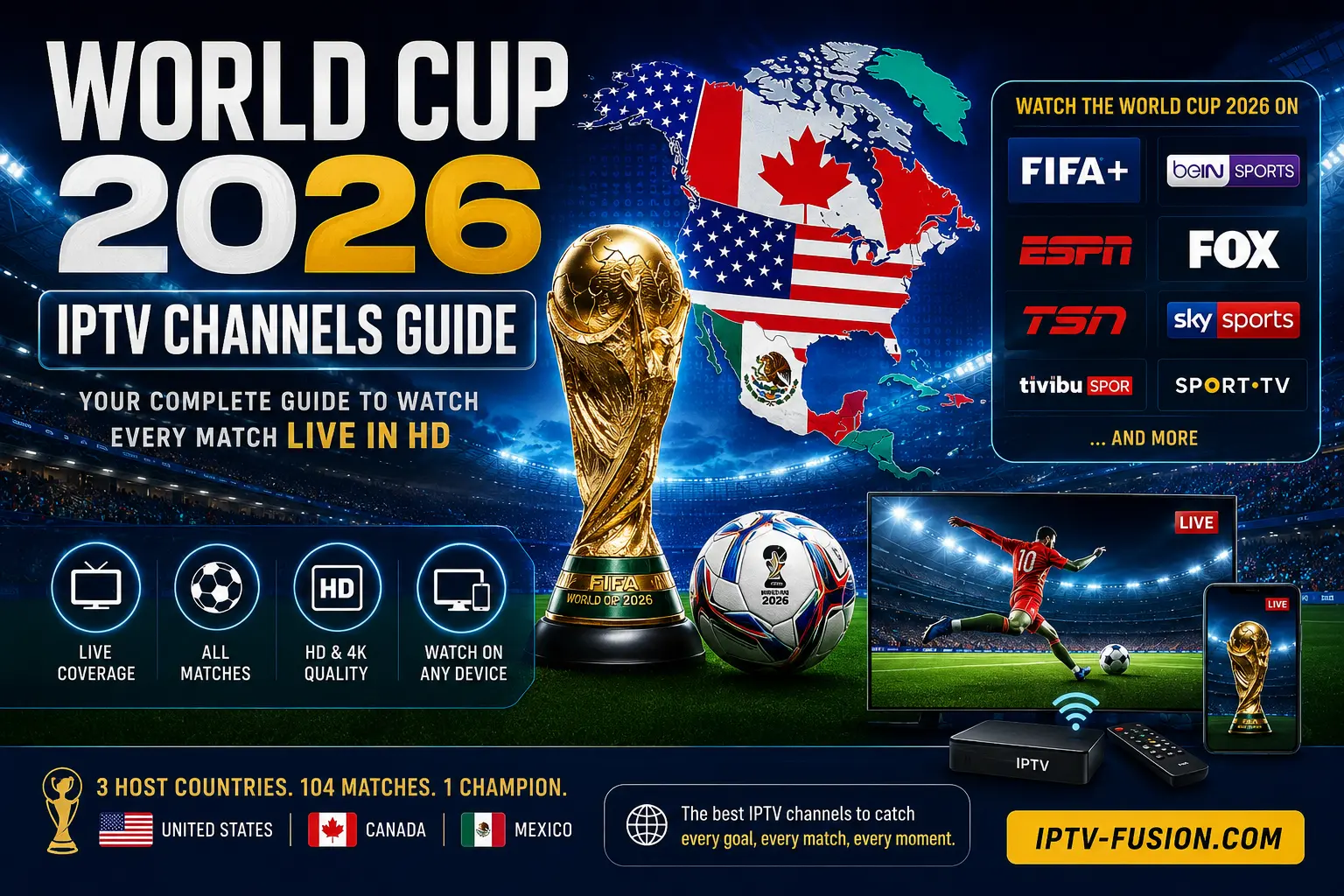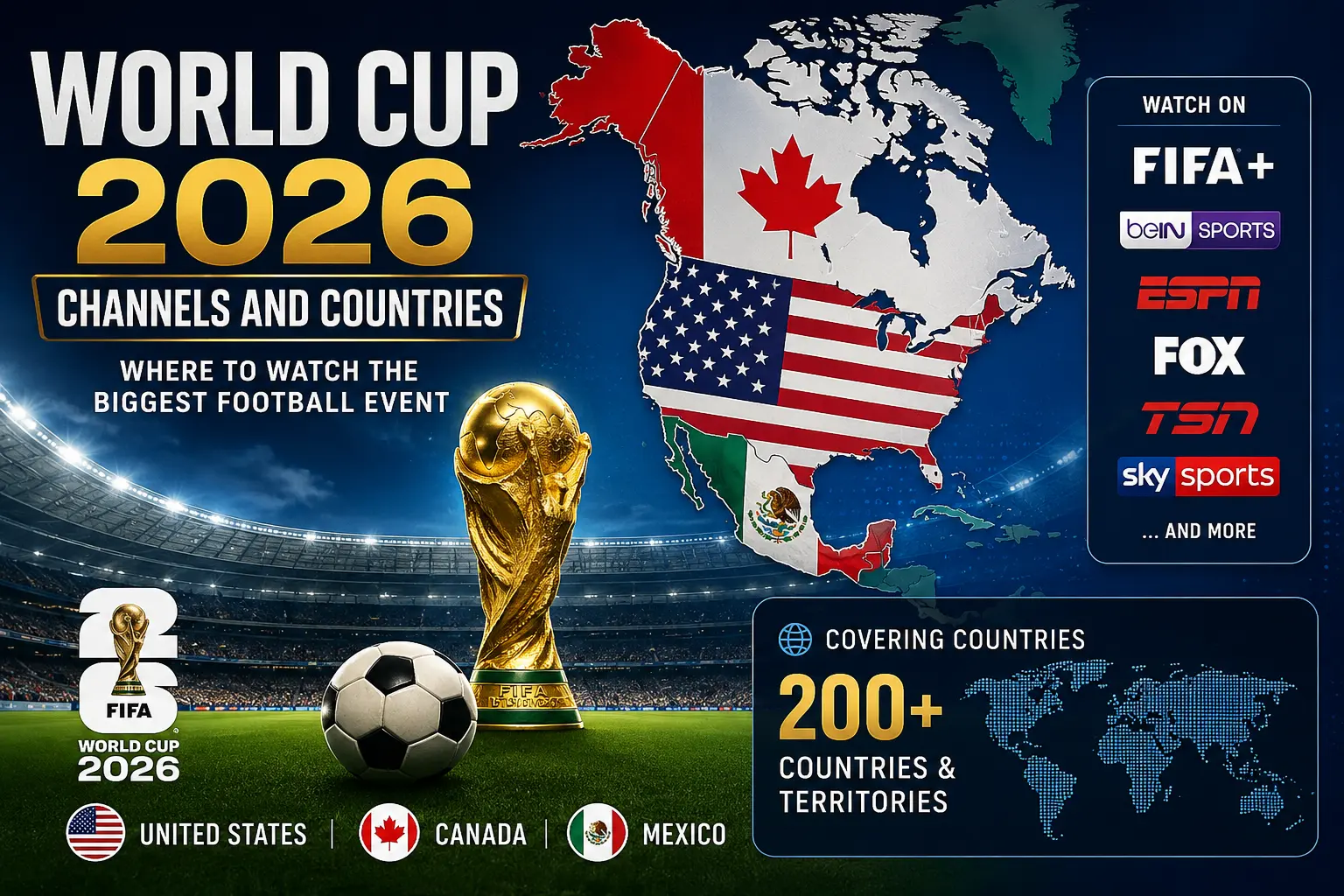
You can follow every match of the summer's biggest international football tournament on IPTV Fusion from $12/month — no cable contract, no satellite dish, no juggling separate apps. The 2026 tournament runs June 11 – July 19, 2026 across 16 host cities in the USA, Canada, and Mexico, and IPTV Fusion brings all the live football together in one place, in up to 4K HDR.
What Is the 2026 Football Tournament?
The summer of 2026 brings the biggest international football tournament in the sport's history. For the first time ever, 48 national teams compete — up from 32 — producing 104 matches in total. Host cities span three countries: New York/New Jersey, Los Angeles, Dallas, San Francisco, Miami, Seattle, Boston, Kansas City, Philadelphia, and Atlanta in the USA; Toronto and Vancouver in Canada; and Guadalajara, Monterrey, and Mexico City in Mexico. Learn more about the full tournament format on Wikipedia's 2026 FIFA World Cup article.
The tournament features an expanded format: a group stage, followed by a round of 32, round of 16, quarterfinals, semifinals, and the final in the New York metropolitan area on July 19, 2026.
The Challenge: Coverage Is Split Across Many Services
In most countries, the rights to show the tournament are split between free and paid services — which means a given match might sit on a service you don't subscribe to, and following your favourite nation through the whole tournament can mean paying for several subscriptions at once. Fans regularly find that one match is free-to-air while the next is locked behind a separate paid tier.
Instead of subscribing to a different service for each part of the tournament, IPTV Fusion lets you follow all the live football in one place — with your choice of national feed and commentary language. Watch the big group-stage clashes with the commentary you prefer, all from a single subscription.

How to Watch the Tournament on IPTV Step by Step
- Sign up for a free 24-hour trial at IPTV Fusion — no credit card required. Your account is active within minutes.
- Download the app on your preferred device — streaming stick, Android TV, Samsung/LG Smart TV, iOS, Android, or Windows PC.
- Open the EPG (Electronic Programme Guide) and search for the day's fixtures — every match appears with kickoff times in your local timezone.
- Tap the match and select your preferred national feed and commentary language from the available options.
- Enable 4K quality in Settings → Stream Quality → Auto/4K (requires a 25+ Mbps connection).
How Much Internet Speed Do You Need?
| Quality | Required Speed | Best For |
|---|---|---|
| HD 720p | 5 Mbps | Mobile viewing, backup connection |
| Full HD 1080p | 10 Mbps | Most home setups |
| 4K HDR | 25–40 Mbps | Large TV, best experience |
IPTV Fusion's adaptive bitrate automatically adjusts stream quality to your connection speed, preventing buffering during critical moments like penalty shootouts.