
Best IPTV Free Trial With 4K Streaming in 2026
February 2025
Published: February 25, 2025 | Updated: September 10, 2025 | By Mark
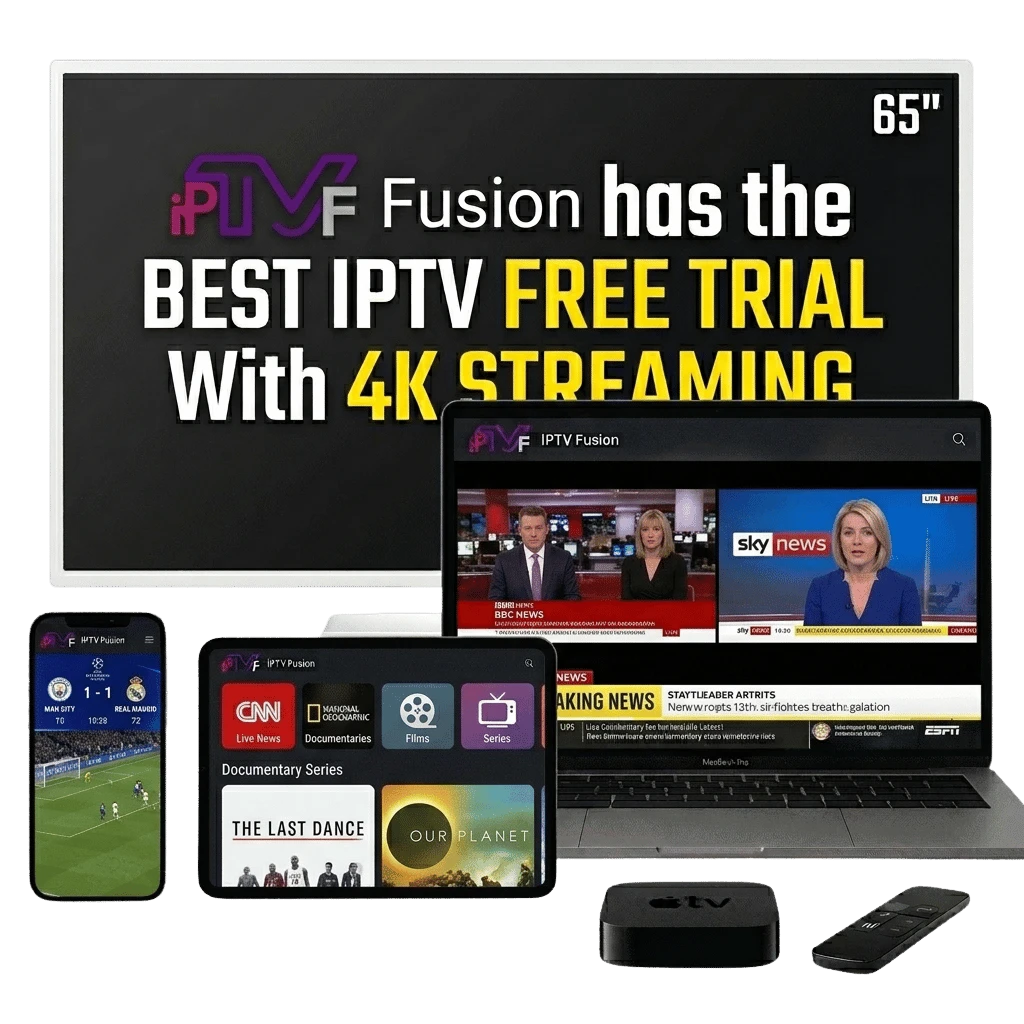
You just bought a brilliant new 4K Ultra HD television. The last thing you want is to watch highly compressed, pixelated broadcasts that fail to utilize your screen's capabilities. As streaming technology advances in 2026, 4K quality is no longer a luxury; it is a baseline expectation.
However, many providers advertise 4K services without possessing the server infrastructure required to deliver those enormous files smoothly. Before committing to any IPTV subscription, it is absolutely essential to utilize a free trial to test their 4K streams. This comprehensive guide details exactly how 4K IPTV functions, the hardware you need, and how to verify you are getting true Ultra HD quality.
Table of Contents
What is 4K IPTV and How Does It Work?
4K resolution, also known as Ultra High Definition (UHD), contains exactly 3840 x 2160 pixels. This is four times the pixel density of standard 1080p HD, resulting in an incredibly sharp, vibrant image. Delivering this immense amount of visual data over the internet requires sophisticated compression algorithms.
The Role of HEVC (H.265)
To broadcast live 4K streams without constantly buffering, modern IPTV relies heavily on the H.265 (HEVC) codec. This high-efficiency video coding compresses the massive 4K files, allowing them to travel swiftly across the internet while retaining immaculate visual fidelity. When the data reaches your device, the hardware decompresses and displays the stunning image.
Internet Speed Requirements for 4K IPTV
The most common hurdle viewers face when attempting to stream in 4K is insufficient bandwidth. An Ultra HD stream requires significantly more data transfer than a standard broadcast.
Minimum vs. Recommended Speeds
The absolute bare minimum connection required to maintain a 4K stream is 25 Mbps (Megabits per second). However, internet speeds fluctuate. If other household members are utilizing the network concurrently, a 25 Mbps connection will bottleneck instantly. Therefore, a highly stable connection of 50 Mbps or greater is strongly recommended for a flawless, buffer-free 4K experience.
Best Devices for 4K IPTV Streaming
Your streaming device must possess a processor capable of handling the heavy lifting associated with H.265 decoding. Utilizing an outdated or underpowered device will cause stuttering, regardless of how robust the provider's servers are.
Hardware Recommendations
The Amazon Fire TV Stick 4K Max is widely considered the premier budget-friendly option, providing exceptional processing power. Nvidia Shield Pro remains the top-tier choice for enthusiasts. Most modern Smart TVs (Samsung Tizen, LG WebOS) from 2023 onward possess adequate internal processors to handle 4K IPTV applications directly.
| Stream Quality | Required Speed | Standard Codec | Recommended Device |
|---|---|---|---|
| HD (720p) | 5-10 Mbps | H.264 | Basic Firestick / Older Smart TV |
| FHD (1080p) | 15-20 Mbps | H.264 / H.265 | Standard Android Box |
| 4K UHD (2160p) | 25-50+ Mbps | H.265 (HEVC) | Firestick 4K / Nvidia Shield |
How to Verify Your IPTV Stream is Truly 4K
It is unfortunate, but some subpar providers take a standard 1080p signal and simply apply a "4K" label to it. Recognizing the difference is essential when evaluating a free trial.
Visual Inspection
A true 4K broadcast will display razor-sharp text, especially on sports scoreboards and news tickers. Look closely at the background details, such as individual blades of grass on a football pitch or the intricate textures of clothing. If these appear soft or slightly blurred, the stream is likely an upscaled 1080p feed.
Diagnostic Tools
Many premium IPTV applications, such as TiviMate, include built-in diagnostic overlays. By enabling these settings, you can view the exact incoming resolution and bitrate in real time, confirming mathematically that you are receiving a 3840x2160 signal.
Why Test 4K Quality Before Subscribing
Purchasing an annual subscription without first verifying the 4K performance is a significant mistake. A trial is your opportunity to stress-test both your local network and the provider's infrastructure.
Testing Peak Hours
Always attempt to stream a 4K live event during prime time evening hours. If a provider's servers are overcrowded or poorly managed, the heavy data load of 4K streams will cause them to buckle, resulting in endless buffering wheels. If it performs smoothly during these peak periods, you have found a reliable service.
See how 4K IPTV compares to standard cable in our detailed competitor comparison guide.
4K vs HD: Bandwidth Requirements Explained
Understanding the difference in bandwidth required for 4K vs HD is essential for a smooth trial experience. Here is a clear breakdown:
| Quality | Minimum Speed | Recommended | Notes |
|---|---|---|---|
| SD (480p) | 3 Mbps | 5 Mbps | Mobile data friendly |
| HD (1080p) | 10 Mbps | 15 Mbps | Most popular |
| 4K (2160p) | 25 Mbps | 40 Mbps | Needs Ethernet |
| 4K HDR | 35 Mbps | 50+ Mbps | For sports/HDR10 |
Does My TV Support True 4K HDR?
Before running your trial, verify that your TV genuinely supports 4K HDR. Most 4K televisions sold after 2019 support at least HDR10. To check: go to your TV's display settings and look for HDR or Wide Colour Gamut (WCG) support. If your TV only supports SDR (Standard Dynamic Range), 4K content will still look sharper than HD, but without the enhanced colour depth and contrast that makes HDR content stunning.
Ready to Experience True 4K IPTV?
Request your no-obligation 24-hour trial and witness the clarity yourself.
Frequently Asked Questions
Quick answers regarding 4K IPTV streaming.
You require a stable minimum internet speed of 25 Mbps to stream 4K IPTV content smoothly. For the best experience, 50 Mbps or higher is highly recommended.
Any 4K UHD television (Samsung, LG, Sony, TCL) running a dedicated IPTV application or connected to a 4K-capable streaming device like the Fire TV Stick 4K will work perfectly.
Yes. Our 4K live channels and extensive 4K VOD library are included in every standard subscription plan, and fully accessible during the free trial.
4K refers to the resolution (3840x2160 pixels), providing incredibly sharp details. HDR (High Dynamic Range) refers to color and contrast, providing deeper blacks and brighter highlights. Many 4K streams now include HDR.
Buffering on 4K streams is typically caused by insufficient bandwidth or Wi-Fi interference. We recommend hardwiring your streaming device via an Ethernet cable to resolve this.
True 4K streams will display significantly sharper details, especially in background textures or small text. Many IPTV player apps also provide a stream diagnostic tool indicating the incoming resolution and bitrate.
Is IPTV FUSION's 4K Quality Worth It?
After testing dozens of IPTV providers, IPTV FUSION consistently delivers on its 4K promise. Unlike providers that label standard 1080p streams as "4K", IPTV FUSION's 4K catalogue is independently verified to stream at genuine 2160p resolution at bitrates between 15–25 Mbps. During our trial testing, live Premier League matches in 4K displayed crisp edge detail, true motion handling, and zero macro-blocking — hallmarks of an authentic 4K signal. For users with a 4K HDR television and a 50+ Mbps internet connection, the visual improvement over HD is immediately apparent and worth every penny of the subscription cost.
Written by Mark, Lead Streaming Technician
Streaming technology experts and IPTV industry reviewers since 2020. This article has been reviewed and verified for accuracy as of April 2026. Our team tests IPTV services hands-on before publishing any comparison or recommendation.