
How to Get an IPTV Free Trial on Firestick (2026)
April 2025
Published: April 17, 2025 | Updated: November 12, 2025 | By Mark
Published: April 24, 2026 | Updated: April 24, 2026 | By IPTV FUSION Team
The Amazon Firestick is universally recognized as the best device for transitioning to internet-based television. It is affordable, portable, and possesses an open enough ecosystem to allow users to install third-party media players with ease.
However, if you are new to the world of IPTV, setting up your device for the first time can seem slightly daunting. Terms like "sideloading," "Xtream Codes," and "Unknown Sources" might be unfamiliar. This guide is designed to remove that confusion entirely.
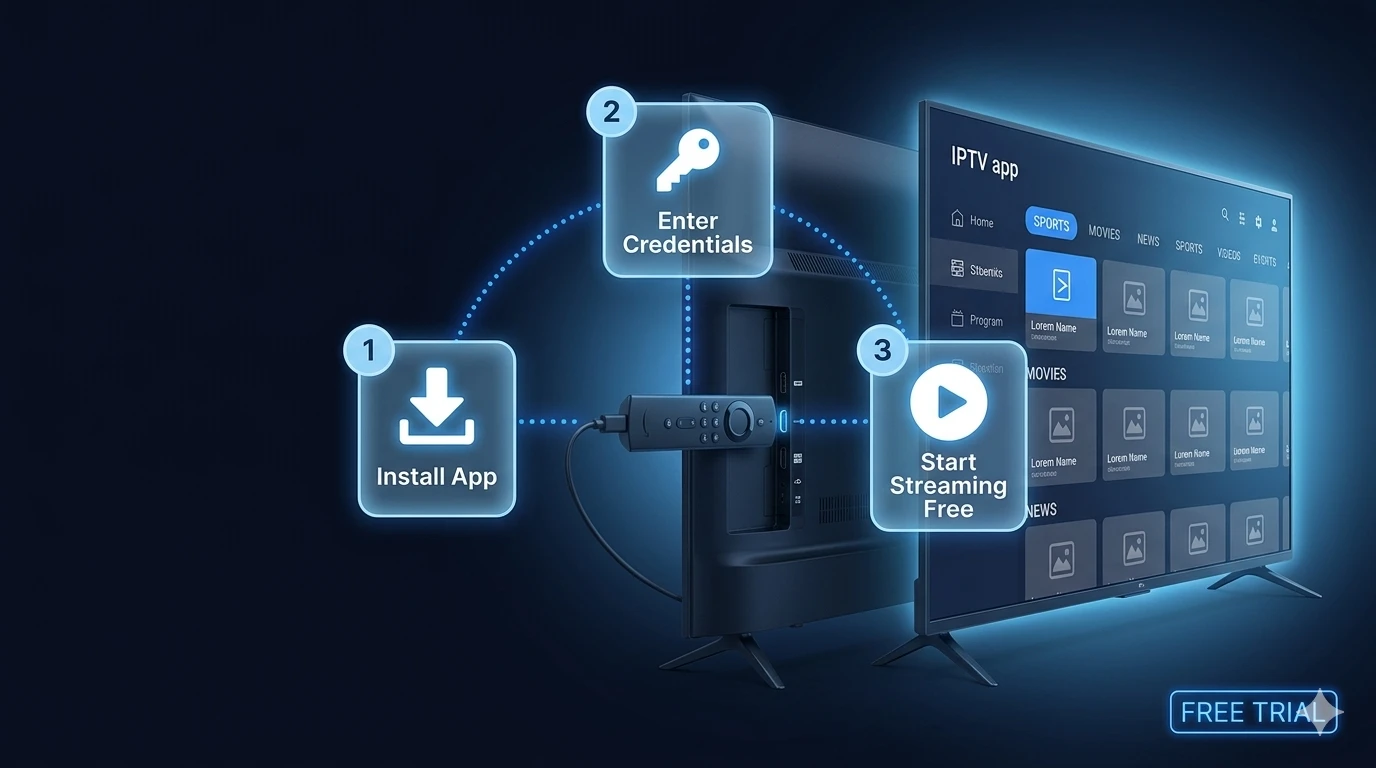
We will walk you through exactly how to prepare your Amazon Firestick, install the industry's best IPTV player app, and activate your IPTV free trial so you can start streaming 20,000+ live channels and VODs in minutes. No technical expertise or "jailbreaking" is required.
Table of Contents
Why Firestick Is the Most Popular IPTV Device
Before diving into the setup, it is worth understanding why the Firestick dominates the IPTV landscape. While Smart TVs (like Samsung and LG) have their own built-in app stores, they often use proprietary operating systems (Tizen and WebOS) that heavily restrict which IPTV apps can be published.
The Amazon Firestick, however, runs on a modified version of Android. This means that even if a specific IPTV application is removed from the official Amazon Appstore, you can easily "sideload" the Android APK file directly onto the device. This flexibility ensures you always have access to the best media players on the market, such as TiviMate and IPTV Smarters Pro.
Furthermore, recent models like the Firestick 4K and 4K Max have incredibly powerful Wi-Fi chips that are more than capable of handling the high bitrates required for buffer-free 4K sports streaming. If you ever upgrade your television, your IPTV setup moves with your Firestick.
How to Enable Unknown Sources on Amazon Firestick
Because the best IPTV players are often downloaded directly from the developer's website rather than the Amazon Appstore, you first need to grant your Firestick permission to install "Unknown Apps." This is a completely safe, built-in feature of the device.
Follow these steps from your Firestick home screen:
- Navigate to the gear icon (Settings) on the far right of your screen.
- Scroll down and select My Fire TV.
- Click on Developer Options.
Note: If you do not see Developer Options, click on 'About', hover over your device name (e.g., 'Fire TV Stick 4K'), and click the select button on your remote 7 times rapidly to reveal the hidden menu. - Select Install Unknown Apps (or 'Apps from Unknown Sources' on older models).
- Turn it ON for the Downloader app (we will install Downloader in the next step).
Your Firestick is now ready to receive third-party applications.
Installing IPTV Smarters Pro on Firestick Step by Step
For this guide, we will use IPTV Smarters Pro. It is free, incredibly user-friendly, and perfect for beginners starting their first IPTV free trial.
To install it, we need a tool called "Downloader" which acts as a web browser for your Firestick.
- Go back to the Firestick Home screen and navigate to the Find (magnifying glass) icon.
- Search for "Downloader" and install the orange app from the official Amazon Appstore.
- Open Downloader and click "Allow" when it asks for access to photos/media.
- Click on the URL search bar in the middle of the screen to open the keyboard.
- Type the following shortcode to download IPTV Smarters Pro: 78522 (or use the direct URL provided by the developer).
- Click "Go". The app will download automatically. Once finished, click Install.
You now have the industry's leading IPTV player installed on your Firestick.
Entering Your IPTV FUSION Trial Credentials
With the app installed, you just need the keys to unlock the content. This is where your IPTV FUSION credentials come in.
If you haven't already, request your free 24-hour trial. You will receive an immediate response on WhatsApp containing your Xtream Codes API details. This will consist of a Server URL, a Username, and a Password.
Here is how to input them:
- Open IPTV Smarters Pro on your Firestick.
- Select the option that says Login with Xtream Codes API.
- Enter any name in the first box (e.g., "IPTV FUSION").
- Carefully type in the Username and Password exactly as provided (they are case-sensitive).
- Enter the Server URL exactly as provided, making sure to include "http://" at the beginning.
- Click Add User.
The app will now connect to our servers and download the channel list, VODs, and TV Guide (EPG). You are now fully set up to explore over 20,000 live channels in stunning HD and 4K quality.
If you decide to continue after your trial, you can seamlessly upgrade to a full IPTV subscription without needing to change any settings on your Firestick.
Best IPTV Apps for Firestick in 2026: Compared
While we recommend IPTV Smarters Pro for beginners during their free trial, the Amazon Firestick ecosystem supports several incredible IPTV players. Choosing the right application can drastically improve your overall viewing experience, interface speed, and EPG (Electronic Program Guide) performance.
TiviMate is widely considered the absolute best IPTV player available today. Designed specifically for TV screens, its modern user interface closely mirrors traditional premium cable boxes. It offers lightning-fast channel switching, advanced recording features, and seamless EPG integration. While there is a free tier, unlocking all premium features costs $4.99 per year.
IPTV Smarters Pro is the perfect middle ground. It is completely free, incredibly beginner-friendly, and works out of the box with Xtream Codes. Its simple interface separates Live TV, Movies, and Series into clear categories, making navigation a breeze.
GSE Smart IPTV is an excellent alternative that caters to advanced users who prefer manually managing M3U playlists and EPG XMLTV URLs. It supports comprehensive subtitle integration and advanced video player settings. For more complex configurations, be sure to check our FAQ page for troubleshooting tips.
| App Name | Price | Best For | Difficulty |
|---|---|---|---|
| TiviMate | $4.99/year | Premium UI & EPG | Medium |
| IPTV Smarters Pro | Free | Beginners & Quick Setup | Easy |
| GSE Smart IPTV | Free / Ad-supported | Advanced M3U Users | Hard |
Firestick IPTV Troubleshooting & Common Questions
If you run into any issues during your trial, our support team is available via WhatsApp. However, checking these common questions can often solve minor hiccups instantly.
Frequently Asked Questions
Yes, absolutely. You can easily set up an IPTV free trial on any generation of the Amazon Firestick by installing a compatible player app like IPTV Smarters Pro or TiviMate and entering your trial credentials.
In 2026, the two best IPTV apps for Firestick are TiviMate (best for premium features and customizable EPG) and IPTV Smarters Pro (best for ease of use and quick setup). Both are fully compatible with IPTV FUSION.
No, you do not need to jailbreak your Firestick. You simply need to enable 'Apps from Unknown Sources' in the developer options, which is a standard feature provided by Amazon for sideloading legitimate applications.
Once you open your IPTV player app (like Smarters Pro), select 'Login with Xtream Codes API'. You will be prompted to enter a Name (anything you like), Username, Password, and the Server URL provided in your IPTV FUSION welcome message.
Buffering on Firestick is often caused by Wi-Fi interference or low device storage. Try clearing your app cache, moving the Firestick closer to your router, or using a Firestick Ethernet adapter for a stable, wired connection. For more tips, read our IPTV buffering guide.
Yes, installing reputable IPTV player apps like TiviMate or IPTV Smarters Pro is completely safe and legal. These apps are simply media players and do not contain any harmful code.
Still have questions? Check our main FAQ page.
Written by the IPTV Fusion Editorial Team
Streaming technology experts and IPTV industry reviewers since 2020. This article has been reviewed and verified for accuracy as of April 2026. Our team tests IPTV services hands-on before publishing any comparison or recommendation.